rvce-session
This is the curated list from RVCE Session | Journey in CyberSec with Linux-Opensource-Microsoft Sentinel
About Speaker :-
$whoami

favourite Quote
sudo rm -rf / problems
Building TroubleshooterClub
- Cloud Security Eng
- Former Product Mentor @ SIH -2022
- Worked with Ministry of Edu & myGov.in
- Open Source Contributor in Docker , Soda foundation
- Meetup-Organiser


Community
Student -Professionals Community for meetups, Learning resource and Open Source Opportunity


Getting started with Linux-based Operating System
Suggested OS :- Parrot OS / kali Linux Optional :- Any Debian based distro /other linux based
If you don’t have such OS, and new to Linux system here is the alernative option Sandbox to get hands dirty on Linux.
Steps :-
- visit this URl and Signup for the Free Linux Learning Module form **HACK THE BOX ACADEMY

Microsoft Certifications for Students

Students, kick-start your tech career with Microsoft Certification!
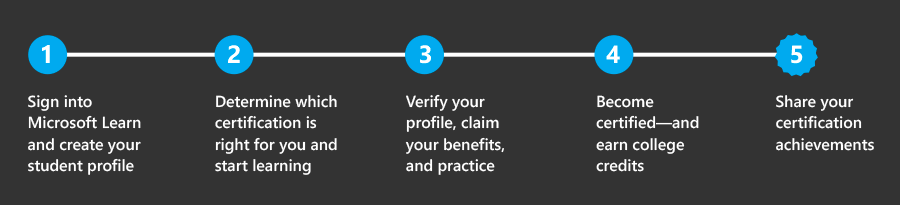
- Five steps to kick-start your tech career
List of Exams for students
| Exam | Self-paced online content | Exam cram |
|---|---|---|
| AZ-900: Microsoft Azure Fundamentals | ✔ | ✔ |
| DP-900: Microsoft Azure Data Fundamentals | ✔ | ✔ |
| AI-900: Microsoft Azure AI Fundamentals | ✔ | ✔ |
| SC-900: Microsoft Security, Compliance, and Identity Fundamentals | ✔ | ✔ |
| PL-900: Microsoft Power Platform Fundamentals | ✔ | ✔ |
| MB-910: Microsoft Dynamics 365 Fundamentals (CRM) | ✔ | ✘ |
| MB-920: Microsoft Dynamics 365 Fundamentals (ERP) | ✔ | ✘ |
| MS-900: Microsoft 365 Fundamentals | ✔ | ✘ |
Official Website Link == Link
Steps for Registration
- Identify yourself as a student in your certification profile
- Sign into your Learn profile
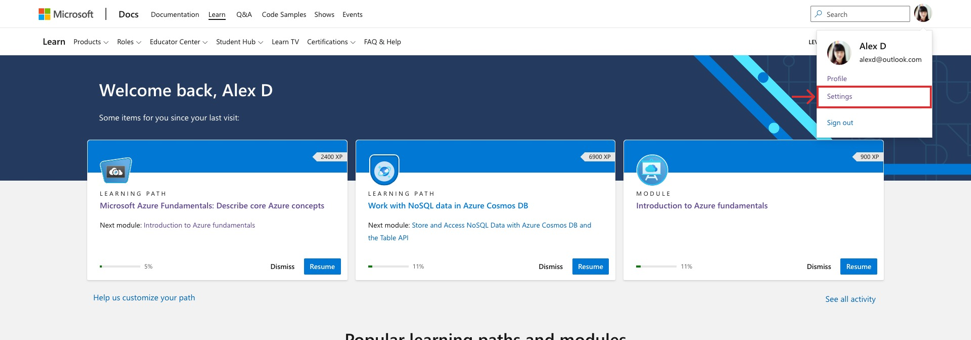
- Click on the photo avatar and select “Settings” from the dropdown menu.
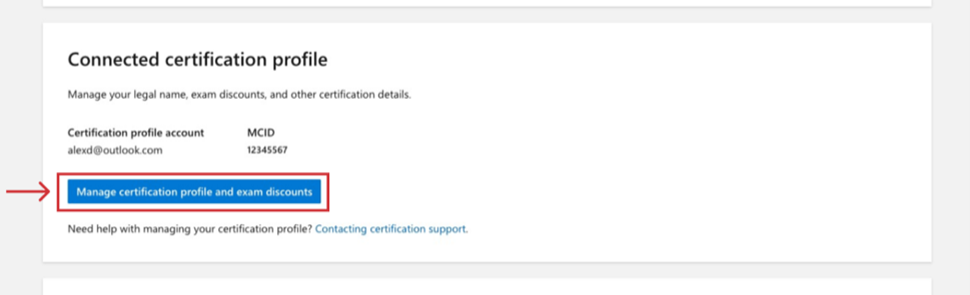
- Scroll down to the Connected certification profile section of the page and click “Manage certification profile and exam discounts.” a. Note: If you have not yet connected your certification profile to your Learn profile, this section won’t be visible. Please visit Connect a certification profile to Learn to complete this step before proceeding.
To edit your profile, select the pencil icon next to “Certification profile”.
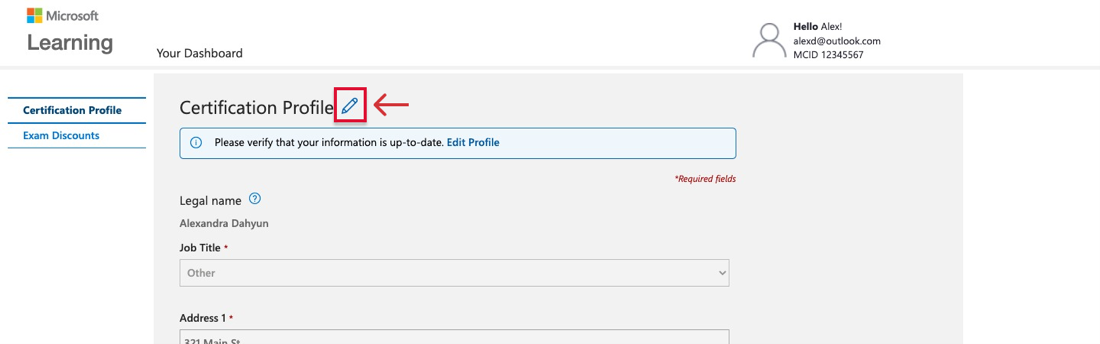
- In the “Job title” dropdown, select “Student”.
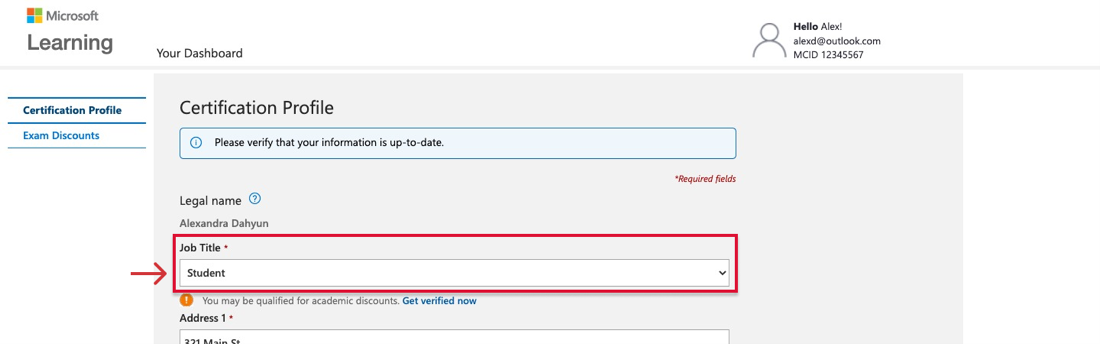
- Look for the academic pricing notice that appears below the “Job title” dropdown.
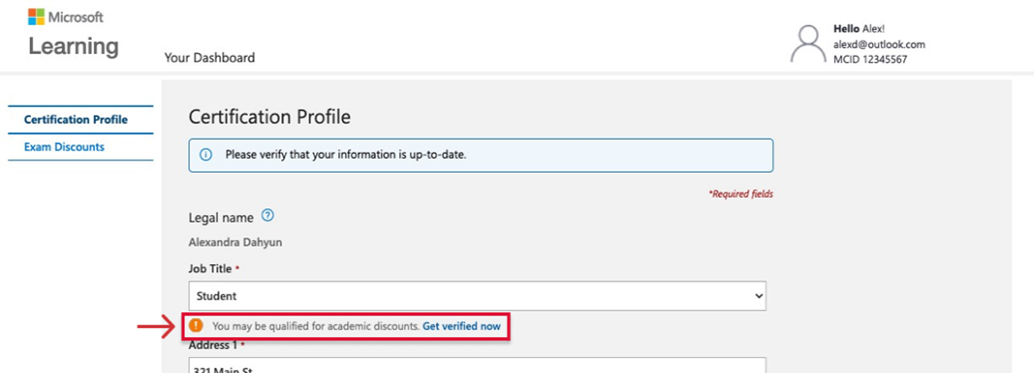
Verify your academic status
-
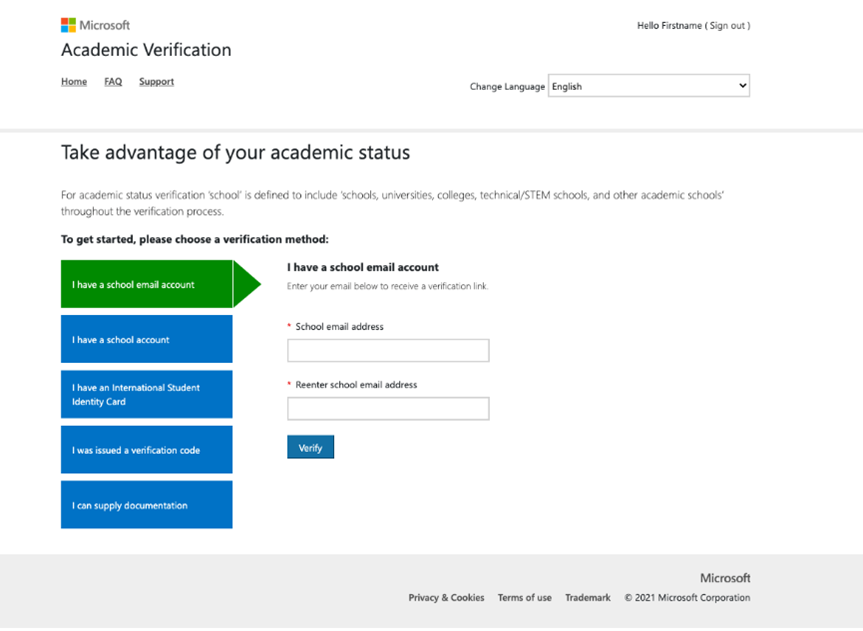
Select “Get verified now” below the “Job title” dropdown to be redirected to the academic verification system.
-
Verify your academic status by selecting one of the methods from the main menu and follow the instructions.
- School-issued email account
- School network credentials
- International Student Identity Card (ISIC)
- Verification code from a Microsoft representative or your institution’s administrator
Acceptable documentation is a dated student ID, current progress report, current dated class schedule, or acceptance letter to the school of higher education
- Check your student status during registration.
- On the certification or exam details page of the exam you want to take, click “Schedule exam.”
- Sign in with your Microsoft account credentials associated with your Microsoft certification profile.
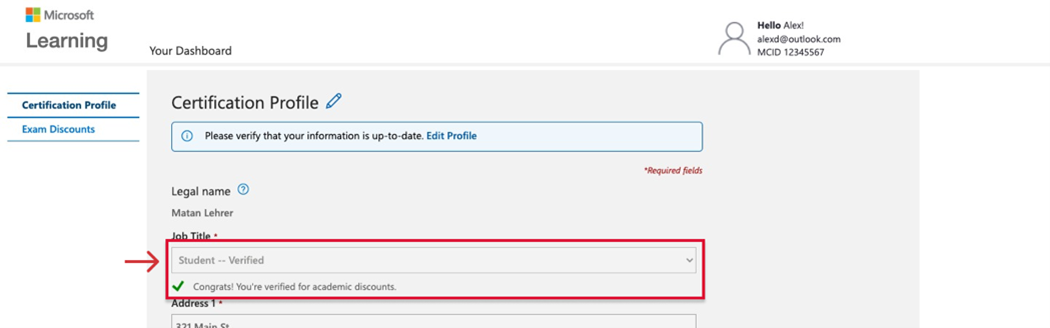
- While verifying your certification profile is up to date, make sure the “Job title” field says “Student—verified”.
Hands-on-Session
What is SOC ?
SOC stands for Security Operation Center.
A SOC is a centralized function or team responsible for improving an organization’s cybersecurity posture and preventing, detecting, and responding to threats. The SOC team, which may be onsite or outsourced, monitors identities, endpoints, servers, databases, network applications, websites, and other systems to uncover potential cyberattacks in real time. It also does proactive security work by using the latest threat intelligence to stay current on threat groups and infrastructure and identify and address system or process vulnerabilities before attackers exploit them. Most SOCs operate around the clock seven days a week, and large organizations that span multiple countries may also depend on a global security operations center (GSOC) to stay on top of worldwide security threats and coordinate detection and response among several local SOCs.
Functions of a SOC :-
SOC team members take on the following functions to help prevent, respond, and recover from attacks.
- Asset and tool inventory
To eliminate blind spots and gaps in coverage, the SOC needs visibility into the assets that it protects and insight into the tools it uses to defend the organization. This means accounting for all the databases, cloud services, identities, applications, and endpoints across on-premises and multiple clouds. The team also keeps track of all the security solutions used in the organization, such as firewalls, anti-malware, anti-ransomware, and monitoring software.
- Reducing the attack surface
A key responsibility of the SOC is reducing the organization’s attack surface. The SOC does this by maintaining an inventory of all workloads and assets, applying security patches to software and firewalls, identifying misconfigurations, and adding new assets as they come online. Team members are also responsible for researching emerging threats and analyzing exposure, which helps them stay ahead of the latest threats.
- Continuous monitoring
Using security analytics solutions like a security information enterprise management (SIEM) solution, a security orchestration, automation, and response (SOAR) solution, or an extended detection and response (XDR) solution, SOC teams monitor the entire environment—on-premises, clouds, applications, networks, and devices—all day, every day, to uncover abnormalities or suspicious behavior. These tools gather telemetry, aggregate the data, and in some cases, automate incident response.
- Threat intelligence
The SOC also uses data analytics, external feeds, and product threat reports to gain insight into attacker behavior, infrastructure, and motives. This intelligence provides a big picture view of what’s happening across the internet and helps teams understand how groups operate. With this information, the SOC can quickly uncover threats and fortify the organization against emerging risks.
- Threat detection
SOC teams use the data generated by the SIEM and XDR solutions to identify threats. This starts by filtering out false positives from the real issues. Then they prioritize the threats by severity and potential impact to the business.
- Log Management
The SOC is also responsible for collecting, maintaining, and analyzing the log data produced by every endpoint, operating system, virtual machine, on-premises app, and network event. Analysis helps establish a baseline for normal activity and reveals anomalies that may indicate malware, ransomware, or viruses.
- Incident response
Once a cyberattack has been identified, the SOC quickly takes action to limit the damage to the organization with as little disruption to the business as possible. Steps might include shutting down or isolating affected endpoints and applicati
Popular Youtube channels for CyberSecurityons, suspending compromised accounts, removing infected files, and running anti-virus and anti-malware software.
- Recovery and remediation
In the aftermath of an attack, the SOC is responsible for restoring the company to its original state. The team will wipe and reconnect disks, identities, email, and endpoints, restart applications, cut over to backup systems, and recover data.
- Root cause investigation
To prevent a similar attack from happening again, the SOC does a thorough investigation to identify vulnerabilities, poor security processes, and other learnings that contributed to the incident.
- Security refinement
The SOC uses any intelligence gathered during an incident to address vulnerabilities, improve processes and policies, and update the security roadmap.
- Compliance management
A critical part of the SOC’s responsibility is ensuring that applications, security tools, and processes comply with privacy regulations, such as the Global Data Protection Regulation (GDPR), the California Consumer Privacy Act (CCPA), and the Health Insurance Portability and Accountability Act (HIPPA). Teams regularly audit systems to ensure compliance and make sure that regulators, law enforcement, and customers are notified after a data breach.
Key roles in a SOC
Depending on the size of the organization, a typical SOC includes the following roles:
Director of Incidence Response
This role, which is typically only seen in very large organizations, is responsible for coordinating detection, analysis, containment, and recovery during a security incident. They also manage communication with the appropriate stakeholders.
SOC Manager
Overseeing the SOC is the Manager, who typically reports to the Chief Information Security Officer (CISO). Duties include supervising personnel, running operations, training new employees, and managing the finances.
Security Engineers
Security Engineers keep the organization’s security systems up and running. This includes designing the security architecture and researching, implementing, and maintaining security solutions.
Security Analysts
The first responders in a security incident, security analysts, identify threats, prioritize them, and then take action to contain the damage. During a cyberattack they may need to isolate the host, endpoint, or user that has been infected. In some organizations Security Analysts are tiered based on the severity of the threats they are responsible for addressing.
Threat Hunters
In some organizations, the most experienced Security Analysts are called Threat Hunters. These people identify and respond to advanced threats that are not picked up by automated tools. This is a proactive role designed to deepen the organization’s understanding of known threats and uncover unknown threats before an attack has taken place.
Forensic Analysts
Larger organizations may also hire Forensic Analysts, who gather intelligence after a breach to determine its root causes. They are looking for system vulnerabilities, violations of security policies, and cyberattack patterns that may be useful in preventing a similar compromise in the future.
SOC Tools
Security information and event management (SIEM)
One of the most important tools in a SOC is a cloud-based SIEM solution, which aggregates data from multiple security solutions and log files. Using threat intelligence and AI, these tools help SOCs detect evolving threats, expedite incident response, and stay ahead of attackers.
Security orchestration, automation, and response (SOAR)
A SOAR automates recurring and predictable enrichment, response, and remediation tasks, freeing up time and resources for more in-depth investigation and hunting.
Extended detection and response (XDR)
XDR is a software as a service tool that offers holistic, optimized security by integrating security products and data into simplified solutions. Organizations use these solutions to proactively and efficiently address an evolving threat landscape and complex security challenges across a multicloud, hybrid environment. In contrast to systems like endpoint detection and response (EDR), XDR broadens the scope of security, integrating protection across a wider range of products, including an organization’s endpoints, servers, cloud applications, emails, and more. From there, XDR combines prevention, detection, investigation, and response to provide visibility, analytics, correlated incident alerts, and automated responses to improve data security and combat threats
Firewall
A firewall monitors traffic to and from the network, allowing or blocking traffic based on security rules defined by the SOC.
Log management
Often included as part of a SIEM, a log management solution logs all the alerts coming from every piece of software, hardware, and endpoint running in the organization. These logs provide information about network activity.
Vulnerability management
These tools scan the network to help identify any weaknesses that could be exploited by an attacker.
User and entity behavior analytics Built into many modern security tools, user and entity behavior analytics uses AI to analyze data collected from various devices to establish a baseline of normal activity for every user and entity. When an event deviates from the baseline, it’s flagged for further analysis.
SOC Realtion with SIEM
Without a SIEM it would be extremely difficult for a SOC to achieve its mission. A modern SIEM offers:
- Log aggregation: A SIEM collects the log data and correlates alerts, which analysts use for threat detection and hunting.
- Context: Because a SIEM collects data across all the technology in the organization, it helps connect the dots between individual incidents to identify sophisticated attacks.
- Fewer alerts: By using analytics and AI to correlate alerts and identify the most serious events, a SIEM cuts down on the number of incidents people need to review and analyze.
- Automated response: Built-in rules allow SIEMs to identify probable threats and block them without the interaction of people.
It’s also important to note that a SIEM, alone, is not enough to protect an organization. People are needed to integrate the SIEM with other systems, define the parameters for rules-based detection, and evaluate alerts. This is why defining a SOC strategy and hiring the right staff is critical.
SOC in AZURE
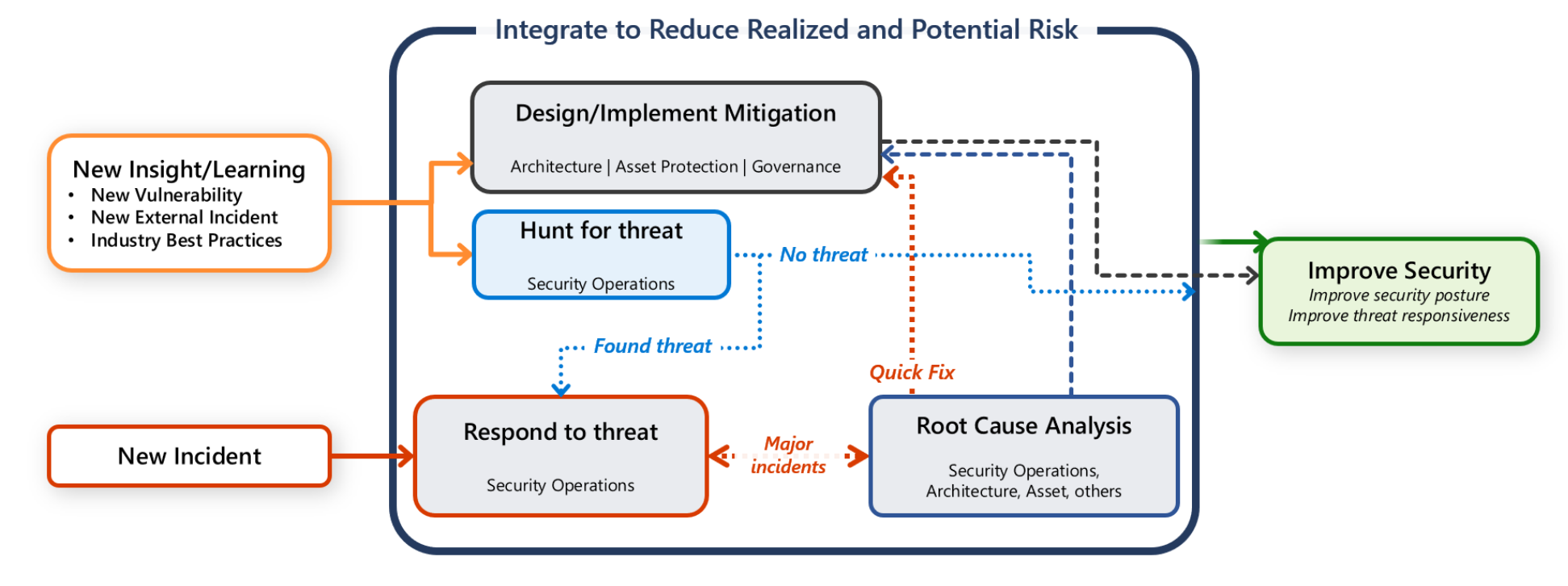
Azure Tools
| Tool | Purpose |
|---|---|
| Microsoft Sentinel | Centralized Security Information and Event Management (SIEM) to get enterprise-wide visibility into logs. |
| Microsoft Defender for Cloud | Alert generation. Use security playbook in response to an alert. |
| Azure Monitor | Event logs from application and Azure services. |
| Azure Network Security Group (NSG) | Visibility into network activities. |
| Azure Information Protection | Secure email, documents, and sensitive data that you share outside your company. |
Microsoft Sentinel
Microsoft Sentinel and is a native control that combines SIEM and SOAR capabilities. It analyzes events and logs from various connected sources. Based on the data sources and their alerts, Sentinel creates incidents, performs threat analysis for early detection. Through intelligent analytics and queries, you can be proactive with hunting activities. In case of incidents, you can automate workflows. Also, with workbook templates you can quickly gain insights through visualization.
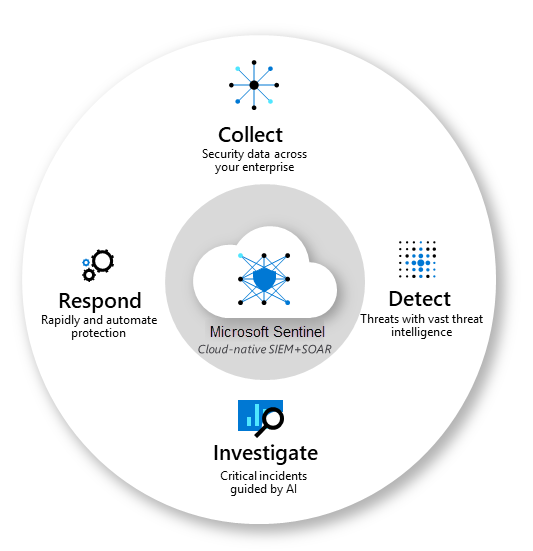
Steps tp Deploy Microsoft Sentinel
In this quickstart, you enable Microsoft Sentinel, and then set up data connectors to monitor and protect your environment. After you connect your data sources using data connectors, you choose from a gallery of expertly created workbooks that surface insights based on your data. These workbooks can be easily customized to your needs.
Global prerequisites
- Active Azure Subscription. If you don’t have one, create a free account before you begin.
Free Azure Account Signup :- Azure Signup
-
Log Analytics workspace
-
Permissions:
-
To enable Microsoft Sentinel, you need contributor permissions to the subscription in which the Microsoft Sentinel workspace resides.
-
To use Microsoft Sentinel, you need either contributor or reader permissions on the resource group that the workspace belongs to.
-
You might need other permissions to connect specific data sources
-
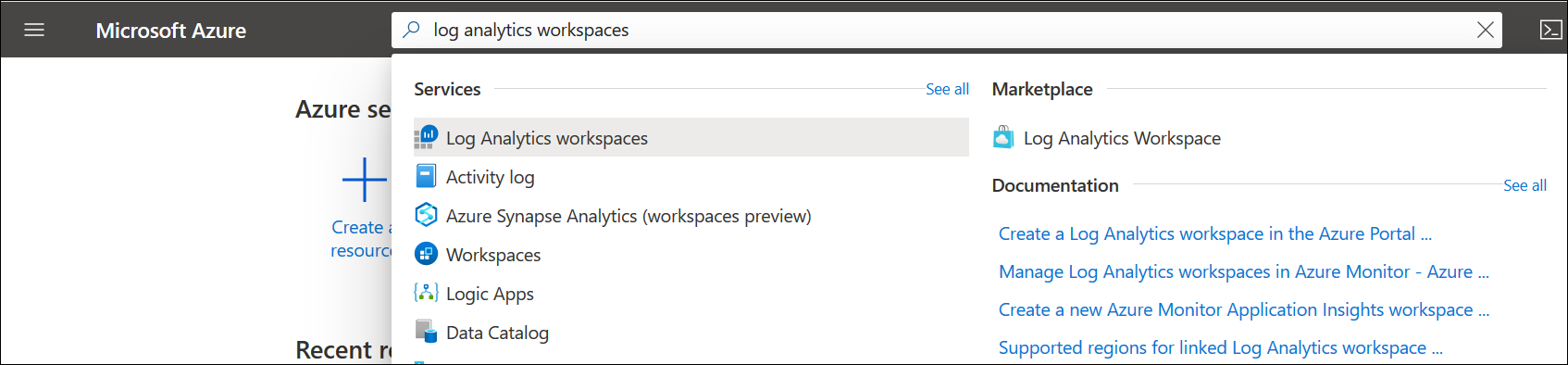
Log Analytics Workspace creation using Azure Portal
- In the Azure portal, enter Log Analytics in the search box. As you begin typing, the list filters based on your input. Select Log Analytics workspaces.
-
Select Add.
-
Select a Subscription from the dropdown.
-
Use an existing Resource Group or create a new one.
-
Provide a name for the new Log Analytics workspace, such as DefaultLAWorkspace. This name must be unique per resource group.
-
Select an available Region. For more information, see which regions Log Analytics is available in. Search for Azure Monitor in the Search for a product box.
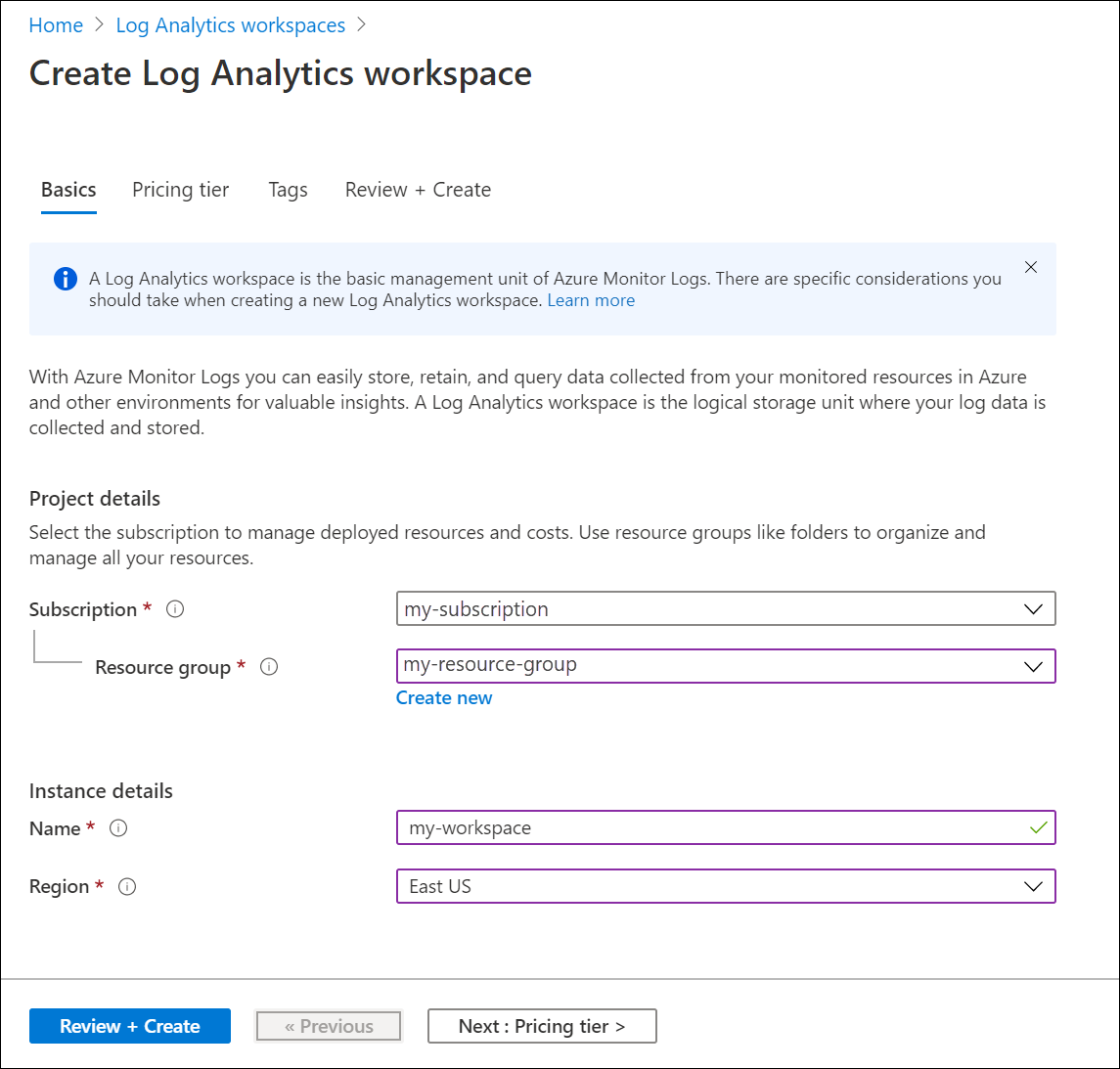
- Select Review + Create to review the settings. Then select Create to create the workspace. A default pricing tier of pay-as-you-go is applied. No charges will be incurred until you start collecting enough data
Microsoft Sentinel WOrkspace Architecture
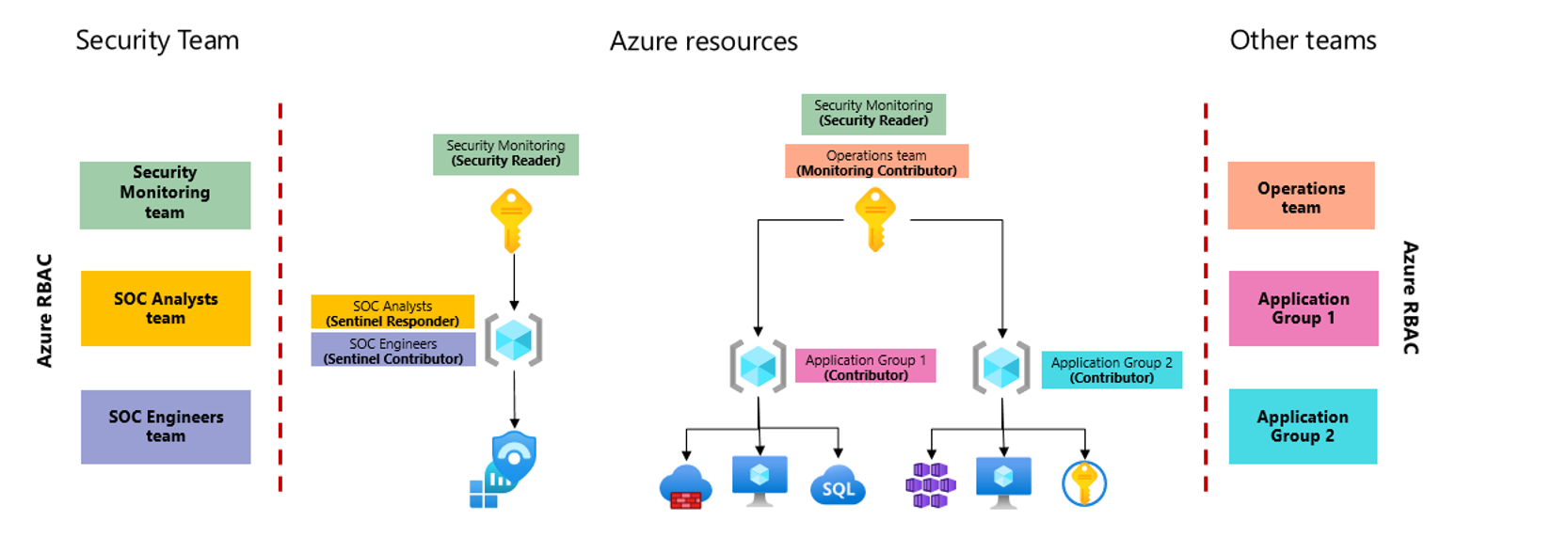
Microsoft Sentinel Onboarding
Steps :-
-
Sign in to the Azure portal. Make sure that the subscription in which Microsoft Sentinel is created is selected.
-
Search for and select Microsoft Sentinel
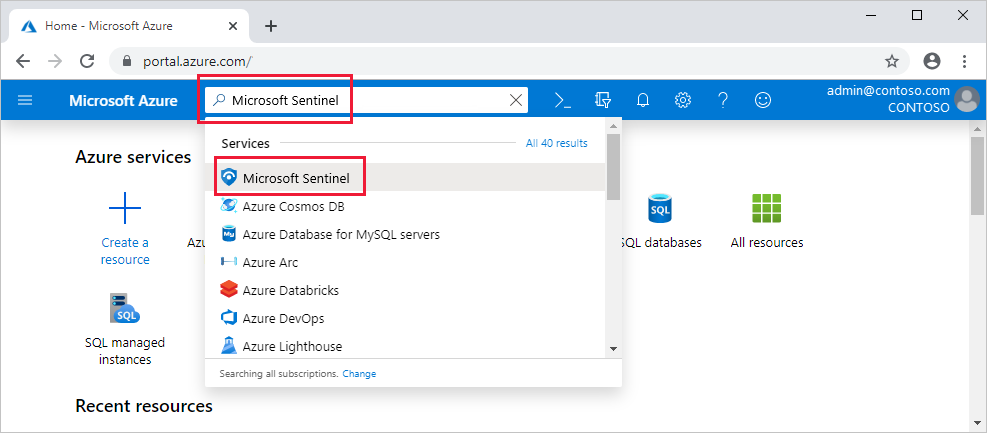
-
Select Add.
-
Select the workspace you want to use or create a new one. You can run Microsoft Sentinel on more than one workspace, but the data is isolated to a single workspace. Note that default workspaces created by Microsoft Defender for Cloud are not shown in the list. You can’t install Microsoft Sentinel on these workspaces.
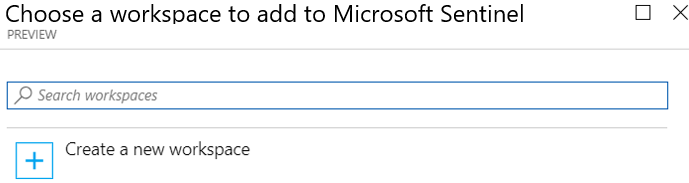
- Select Add Microsoft Sentinel.
Set up data connectors
Microsoft Sentinel ingests data from services and apps by connecting to the service and forwarding the events and logs to Microsoft Sentinel.
- For physical and virtual machines, you can install the Log Analytics agent that collects the logs and forwards them to Microsoft Sentinel.
- For firewalls and proxies, Microsoft Sentinel installs the Log Analytics agent on a Linux Syslog server, from which the agent collects the log files and forwards them to Microsoft Sentinel.
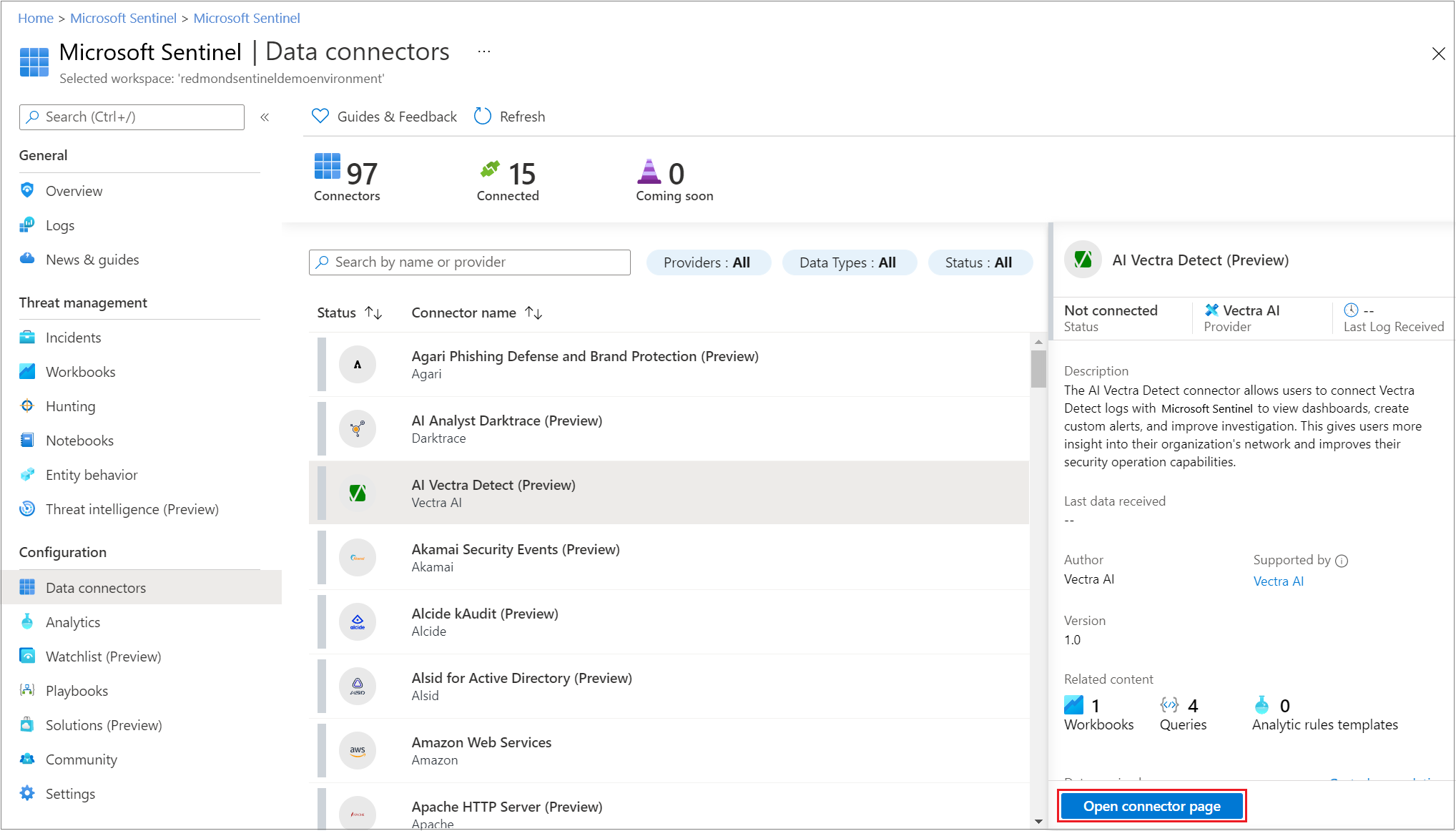
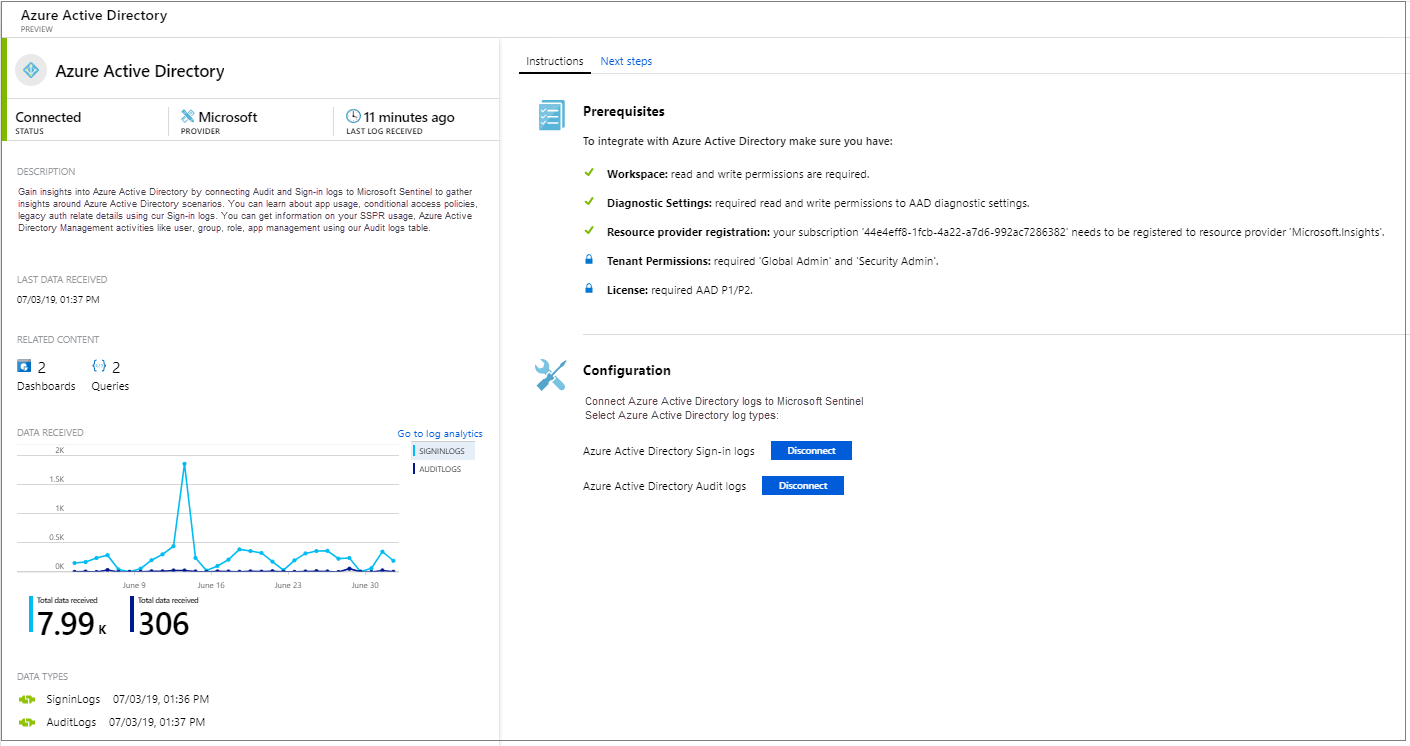
Enable a data connector
- After you connect, you see a summary of the data in the Data received graph, and the connectivity status of the data types.
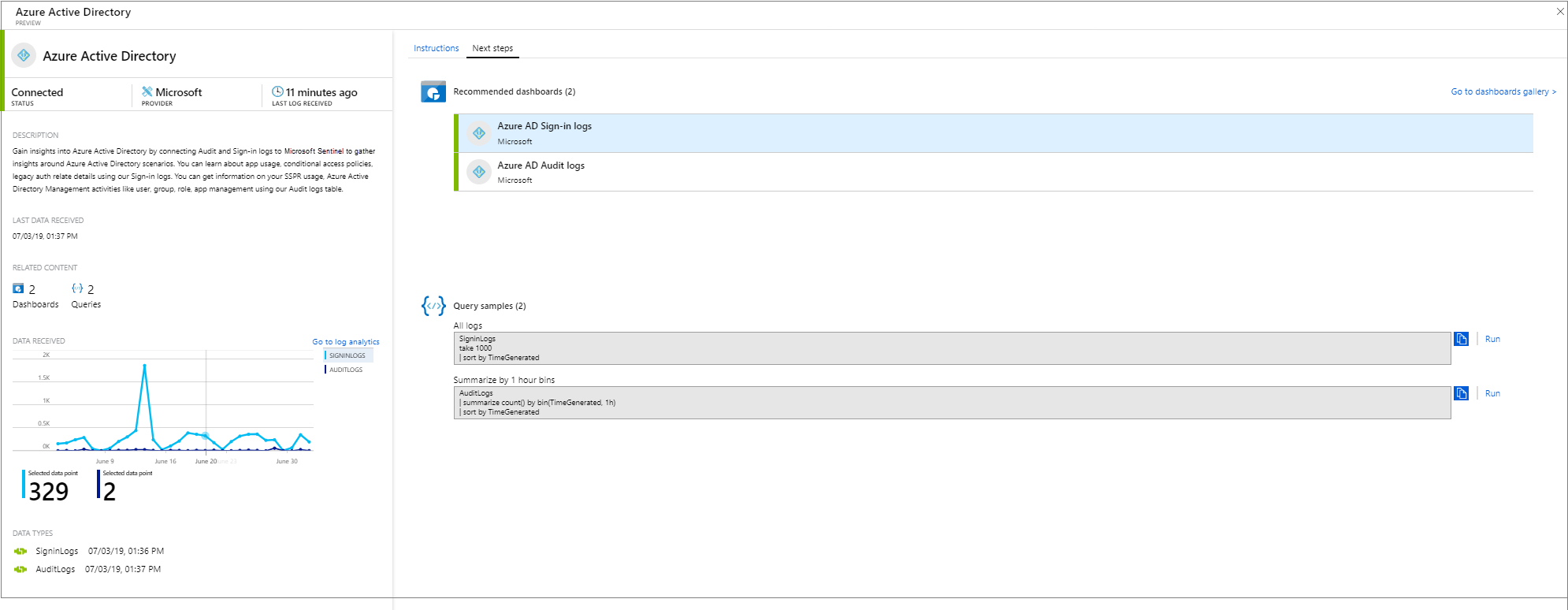
- In the Next steps tab, you’ll see more content for the specific data type: Sample queries, visualization workbooks, and analytics rule templates to help you detect and investigate threats.
Extra Learning
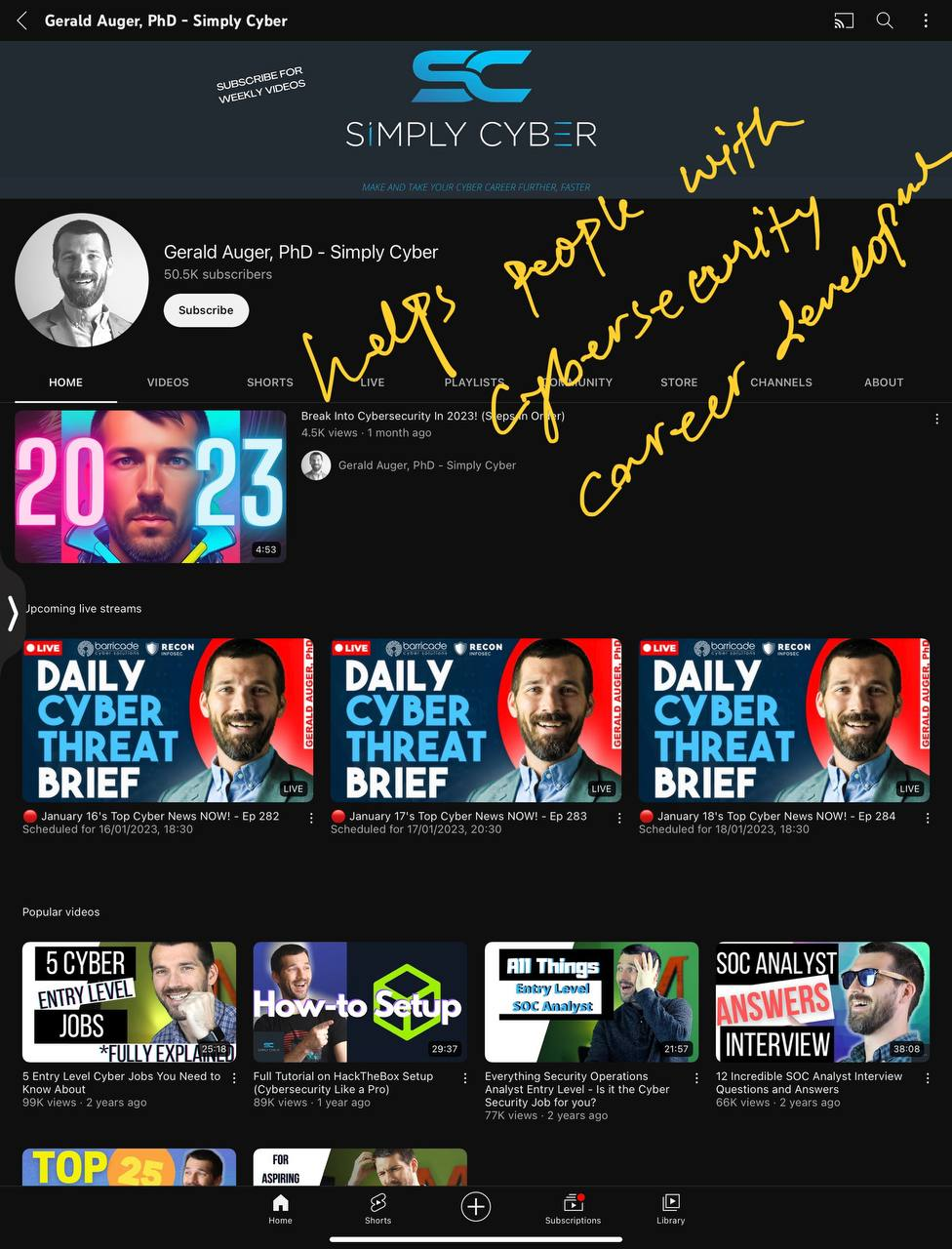
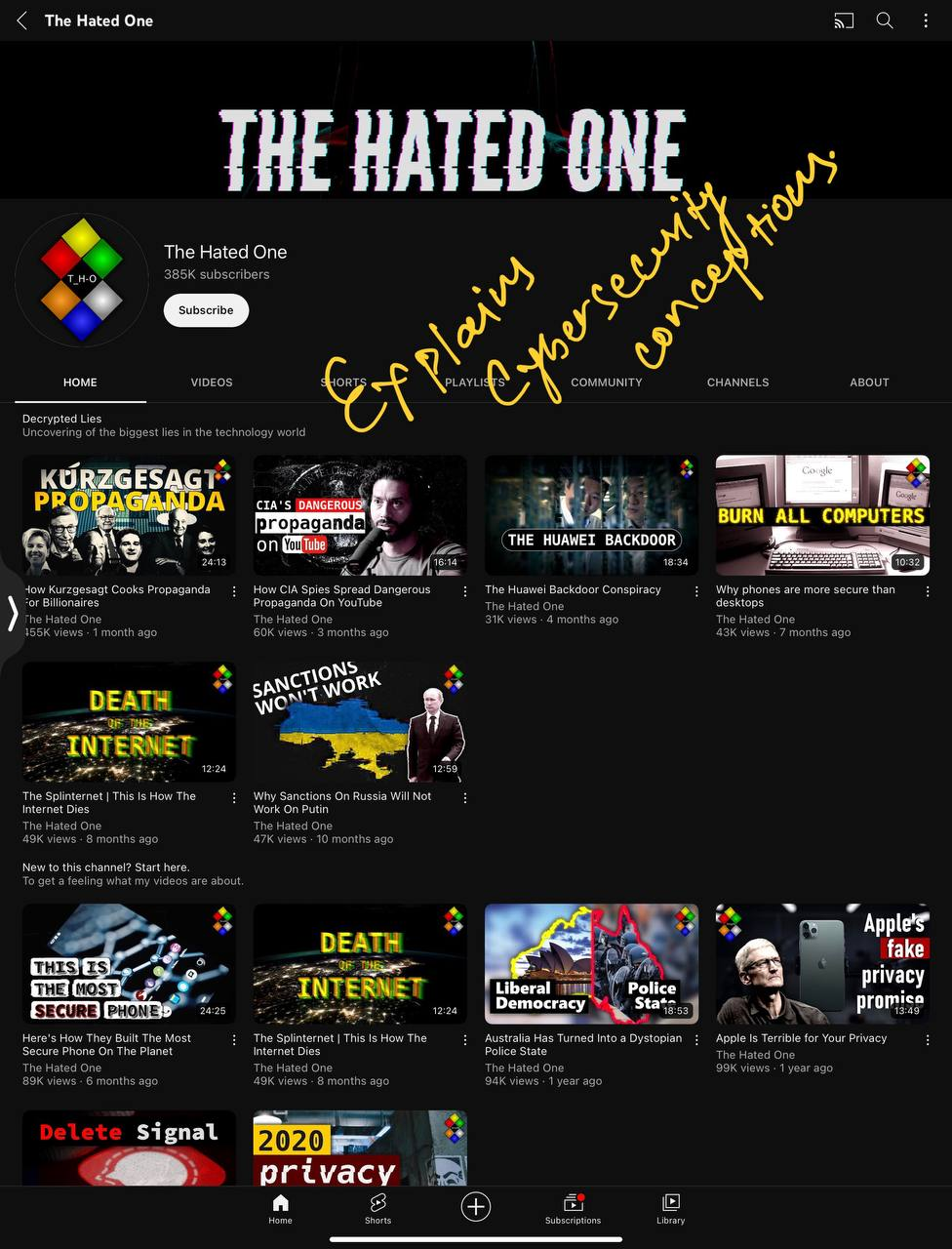
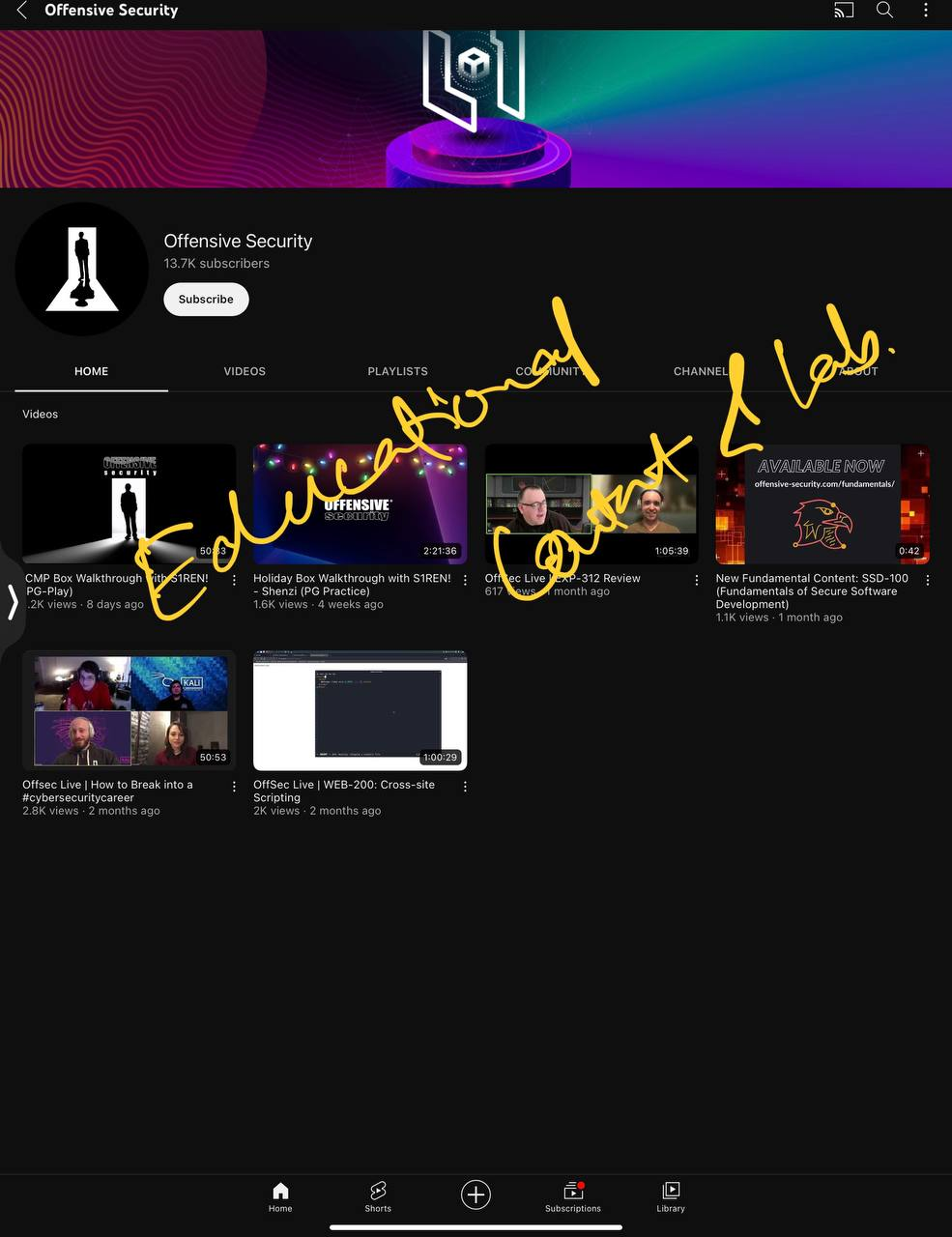
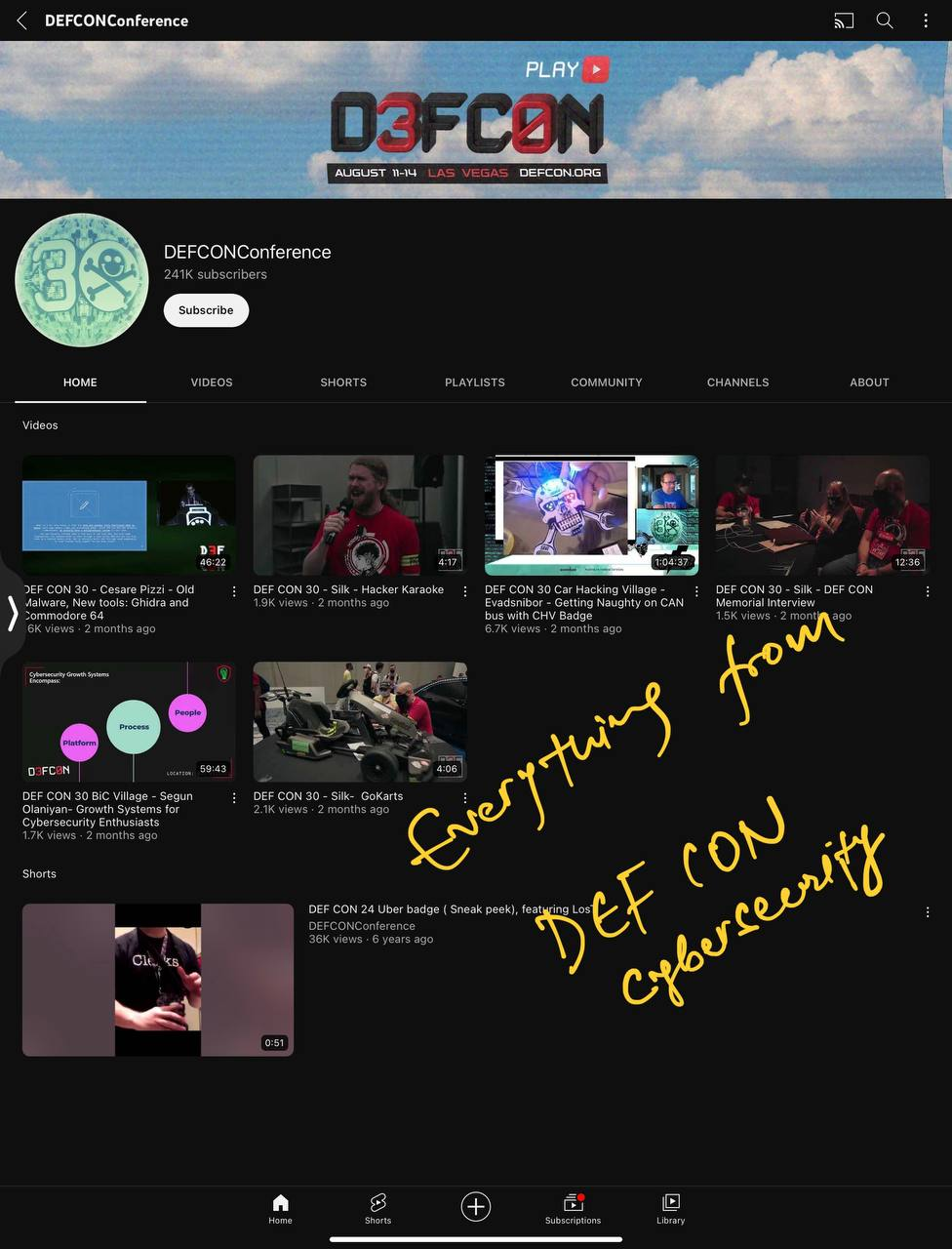
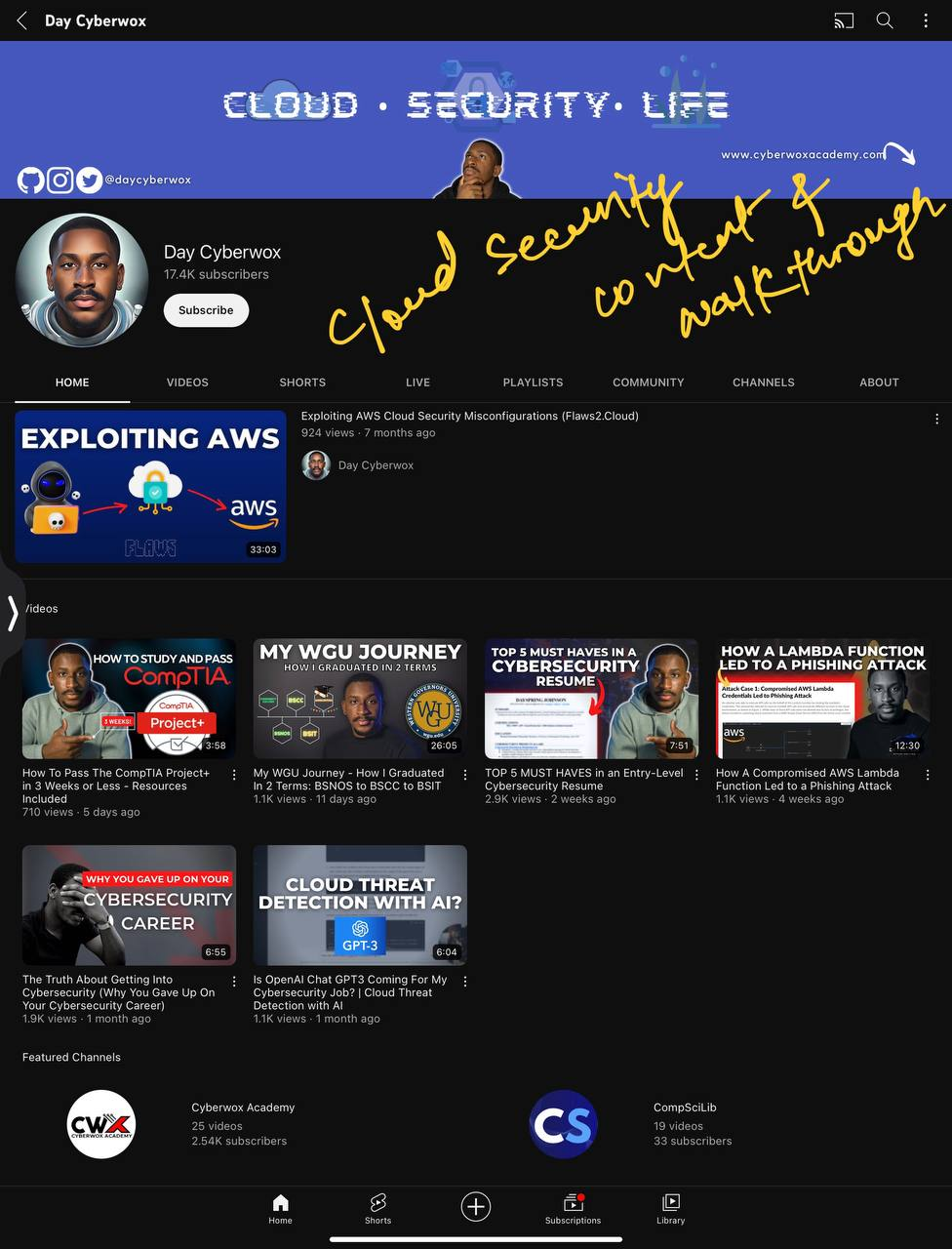
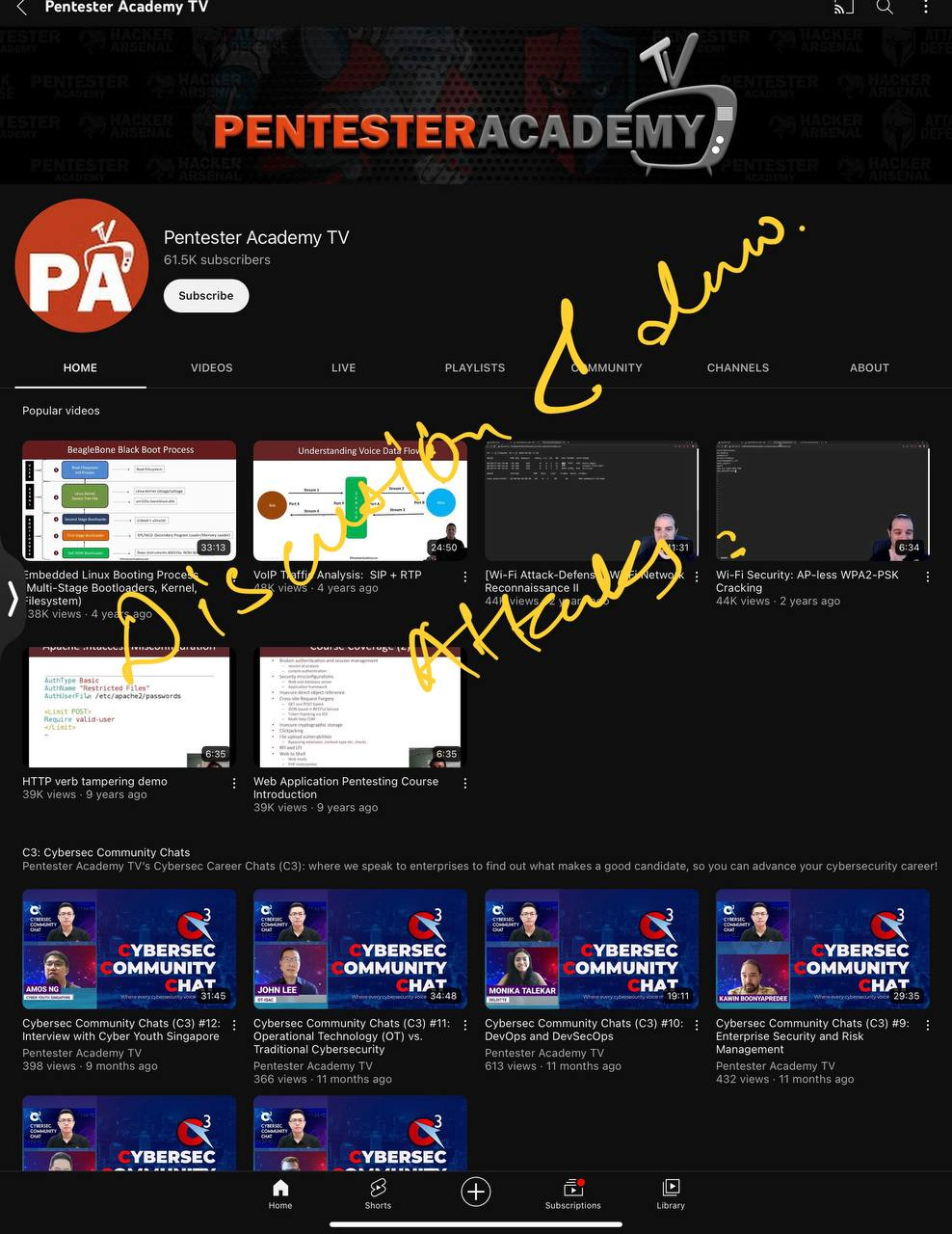
Popular Youtube channels for CyberSecurity
#1. Simply Cyber
#2. The Hated One
#4. Stok

#5. Defcon
#6. Day Cyberwox
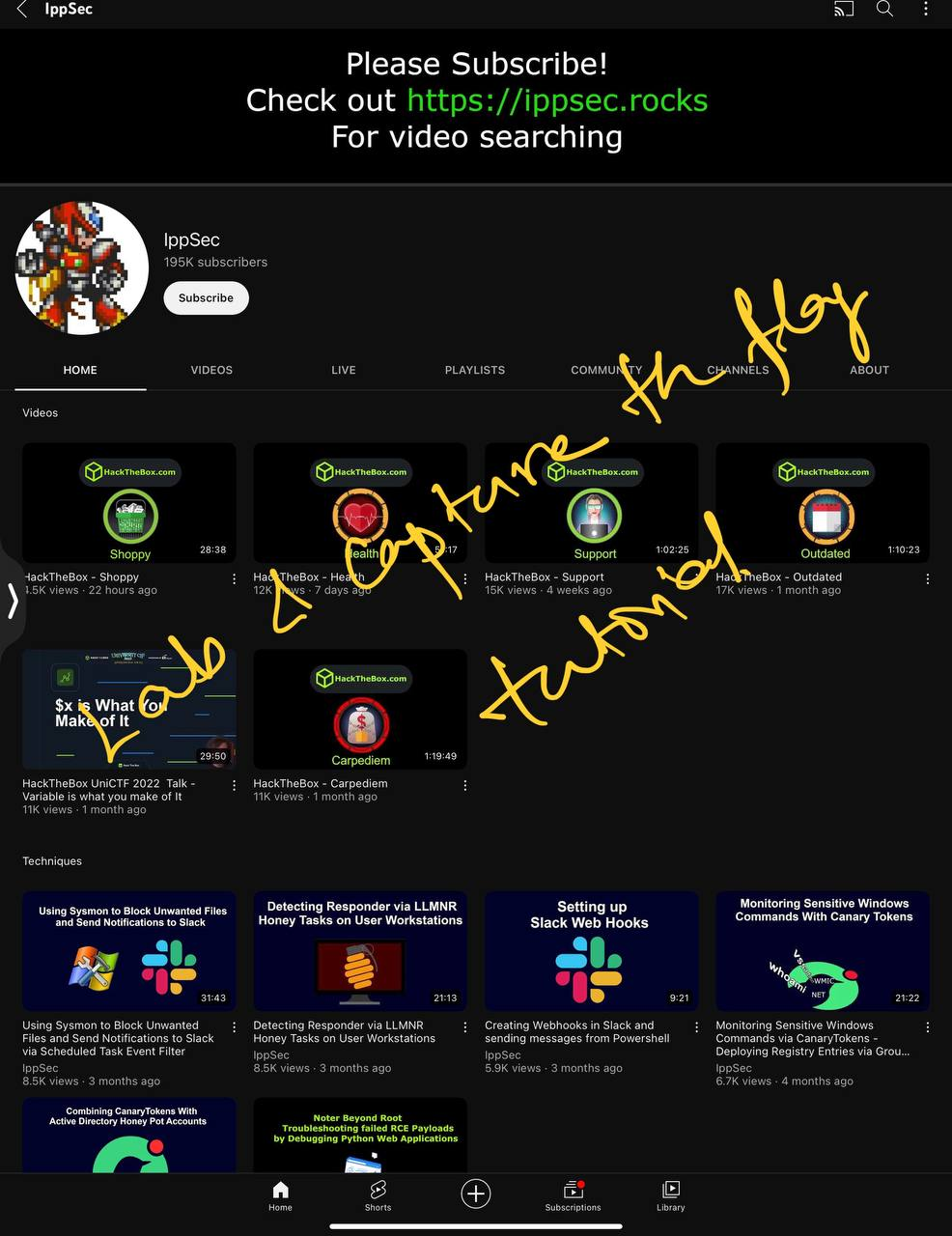
#8. IPPSec
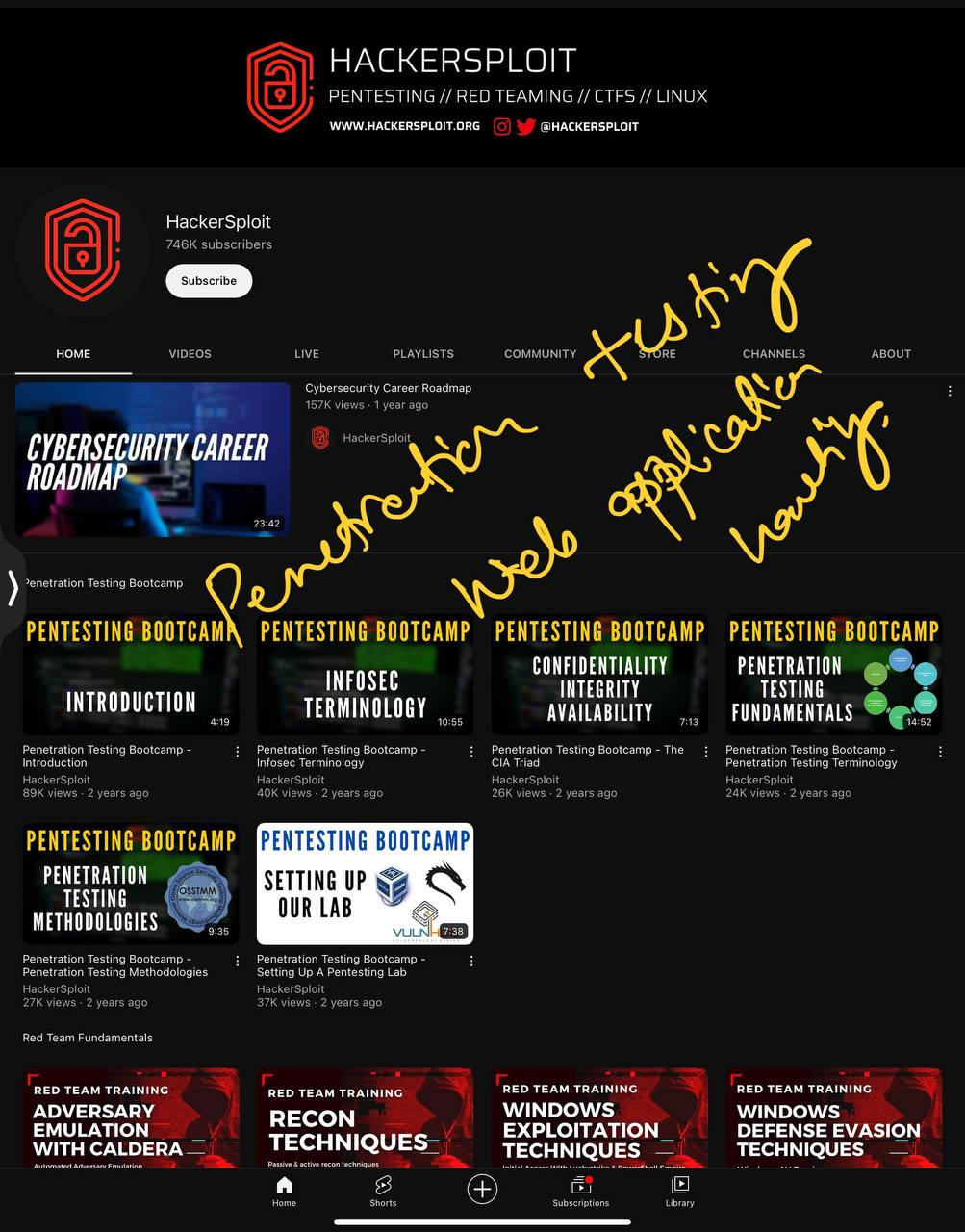
#9. Hackersploit
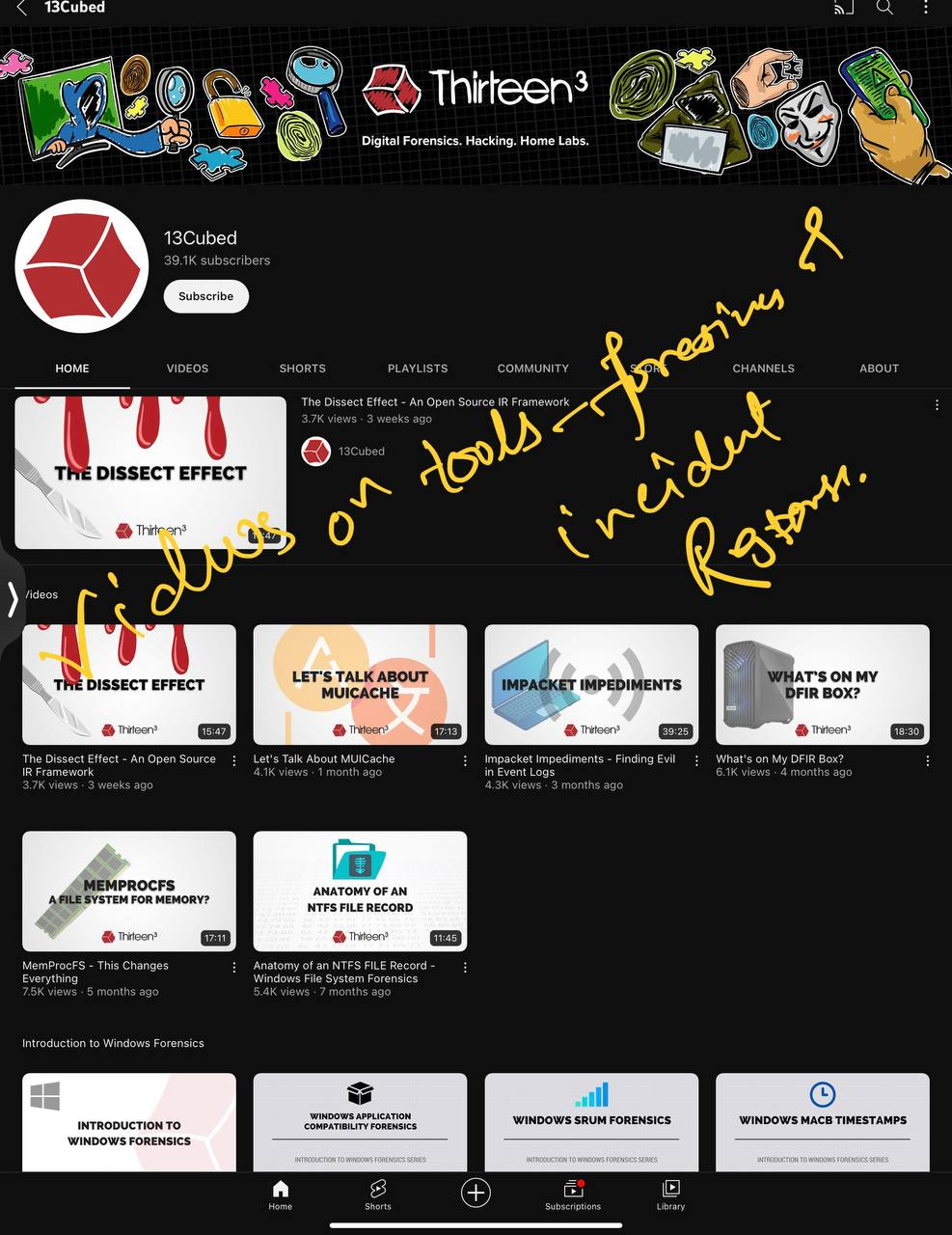
#10. 13Cubed
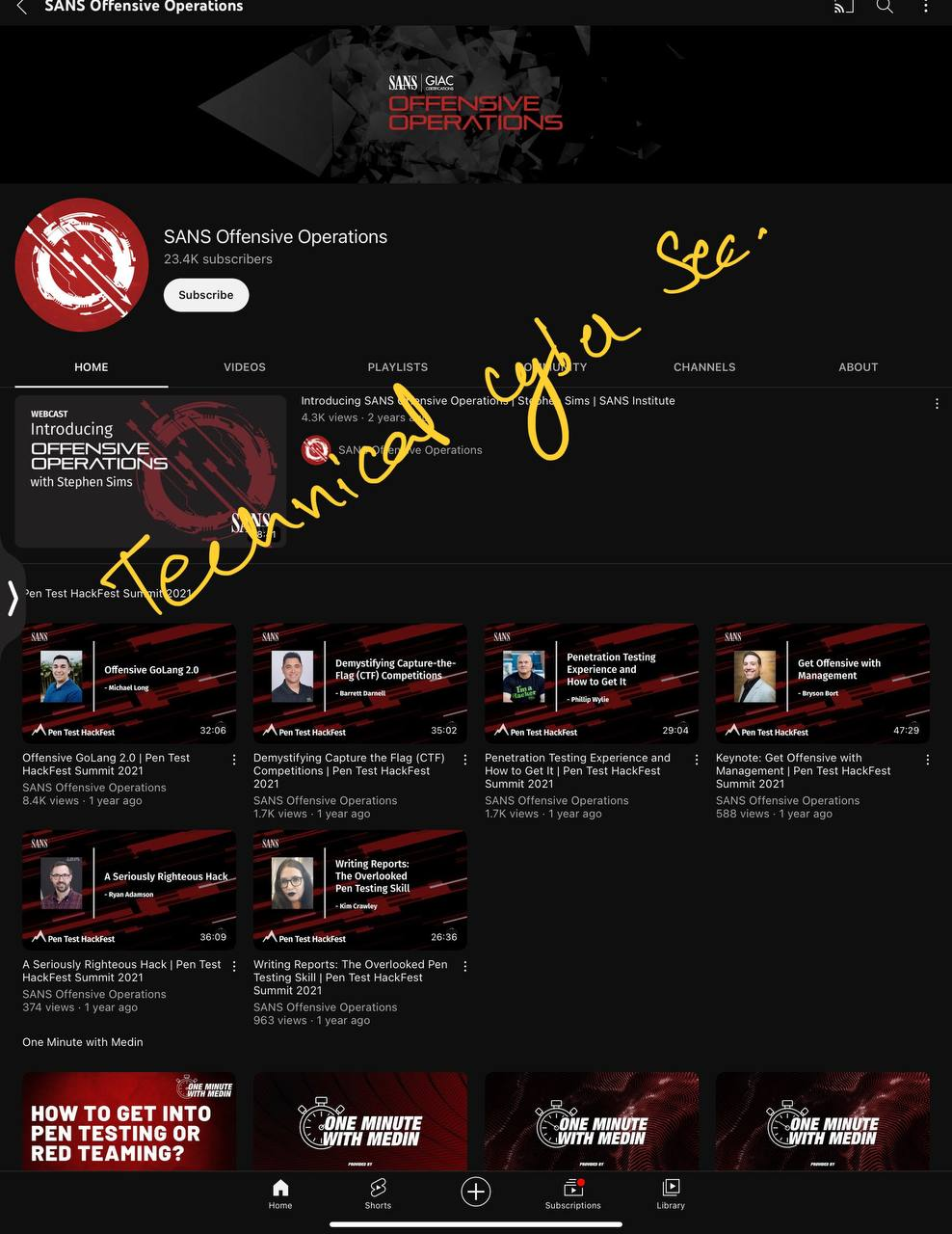
#11. SANS Offensive Operations
#12. John Hammond
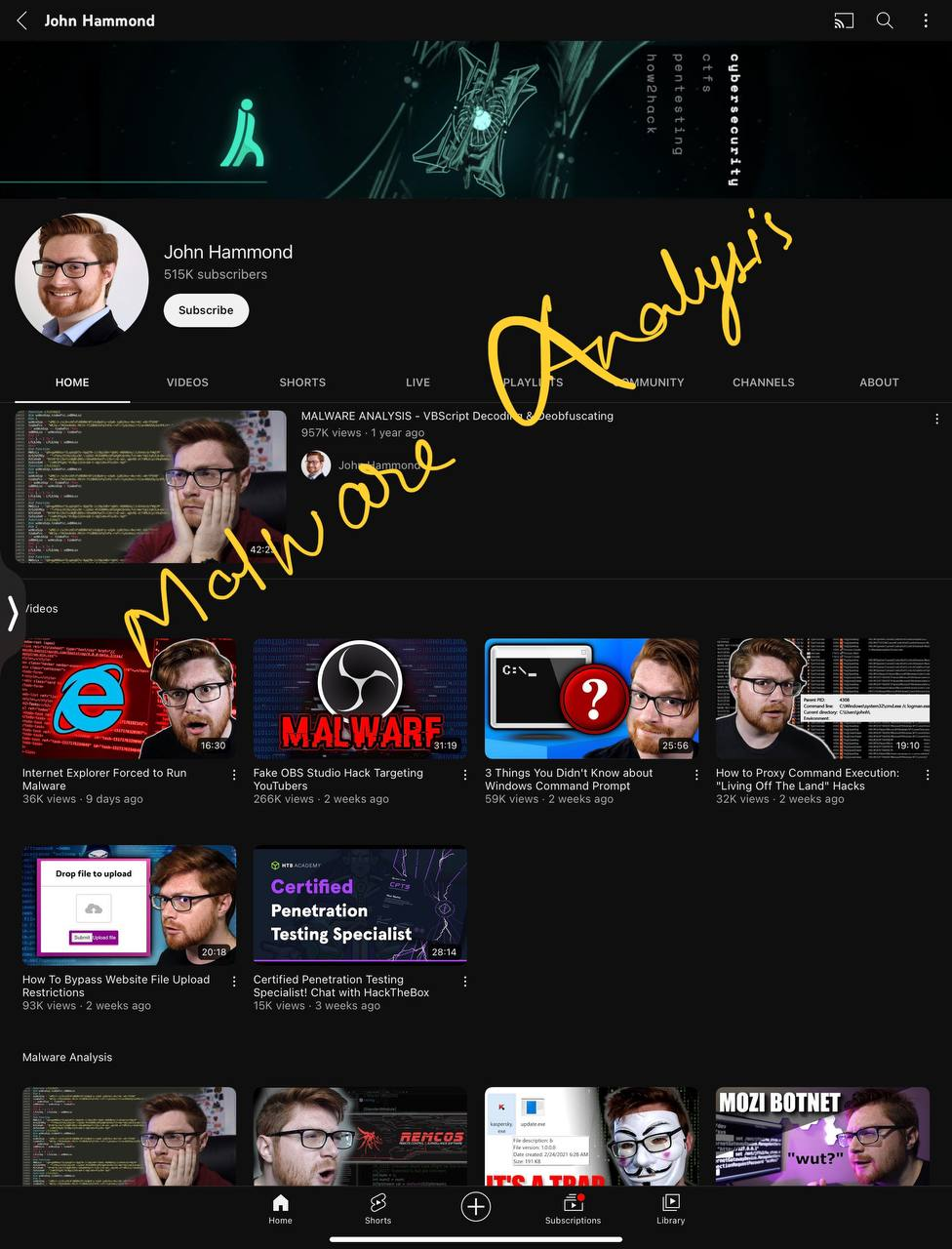
#13. Cybercdh
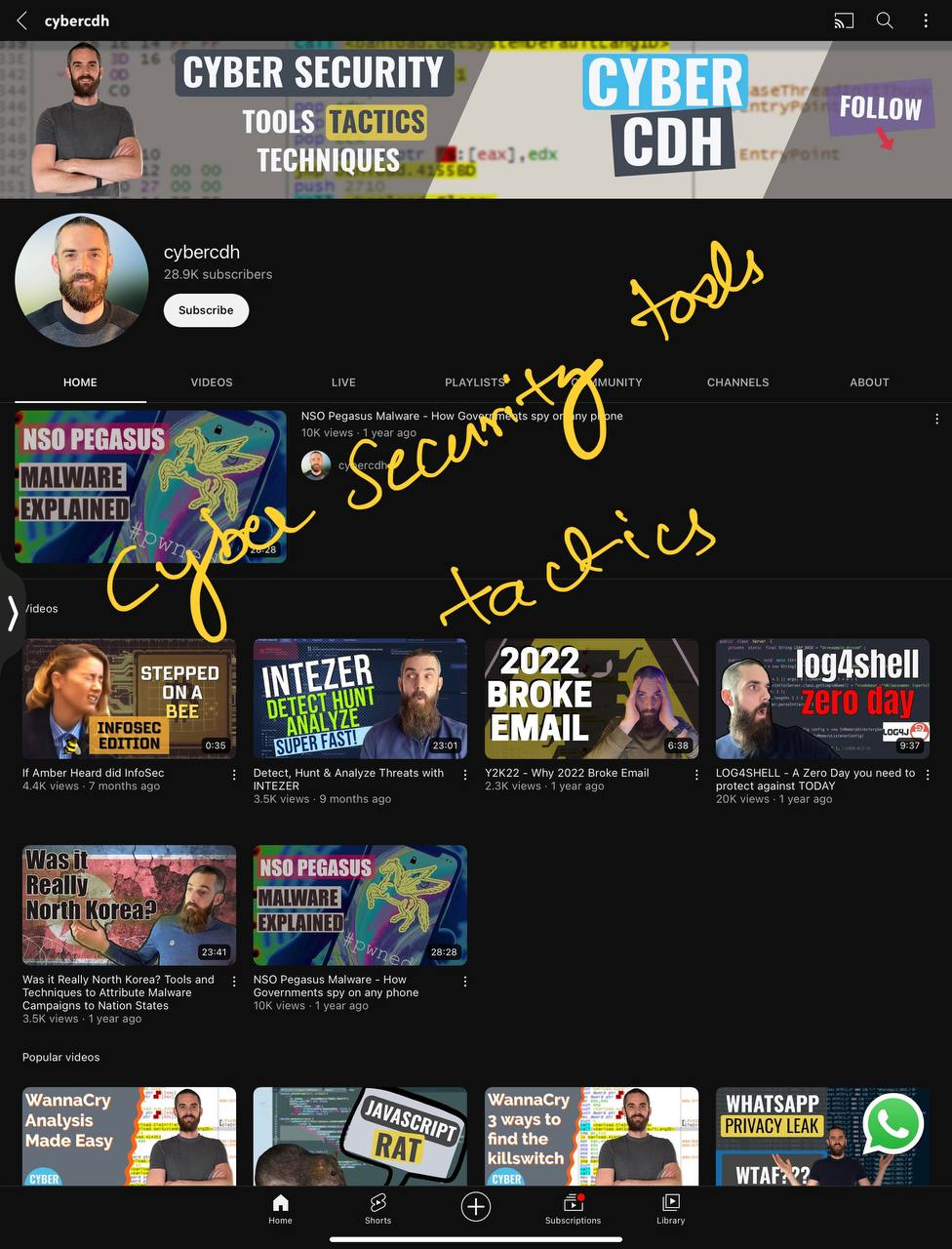
#14. Hack eXplorer
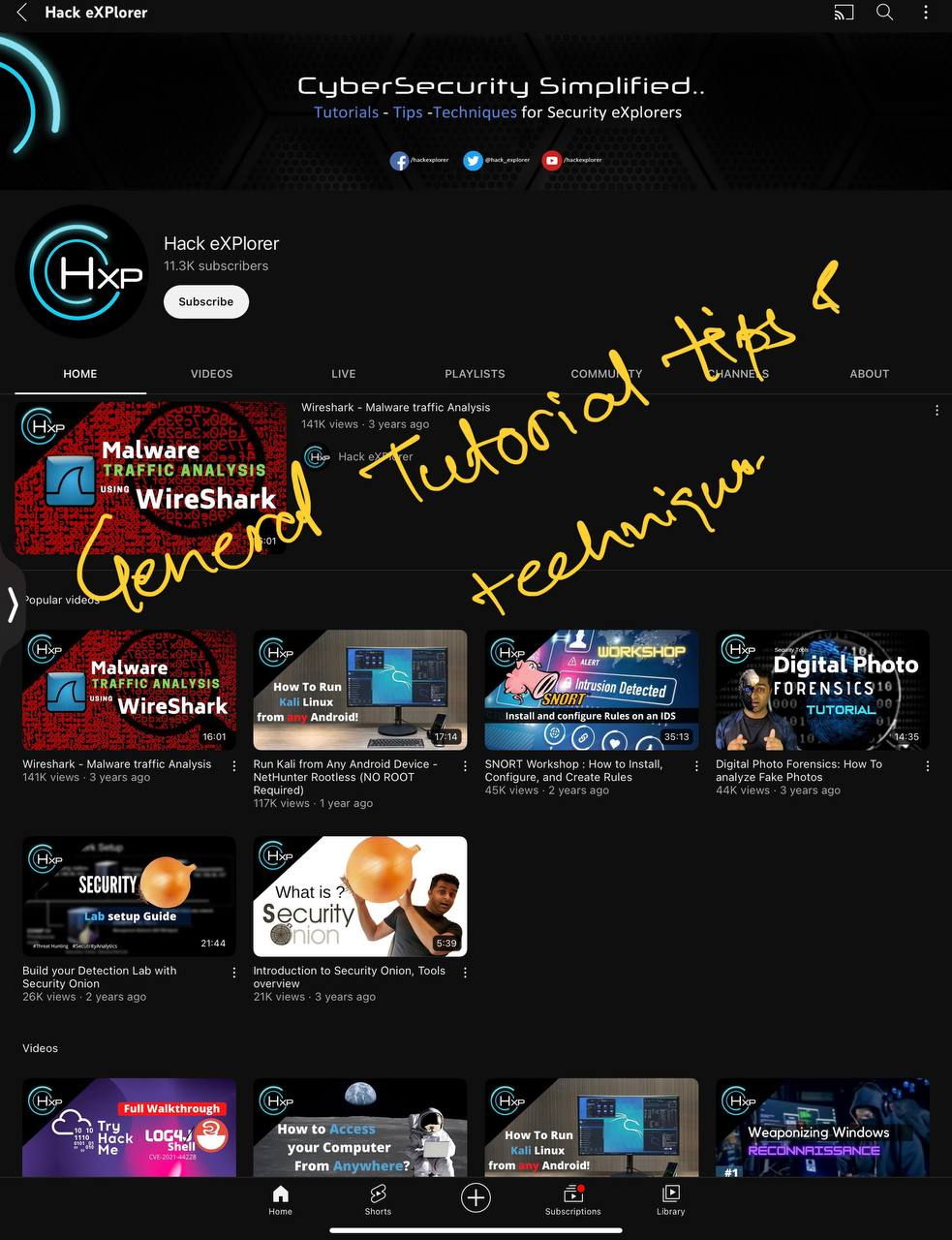
#15. Security Weekly
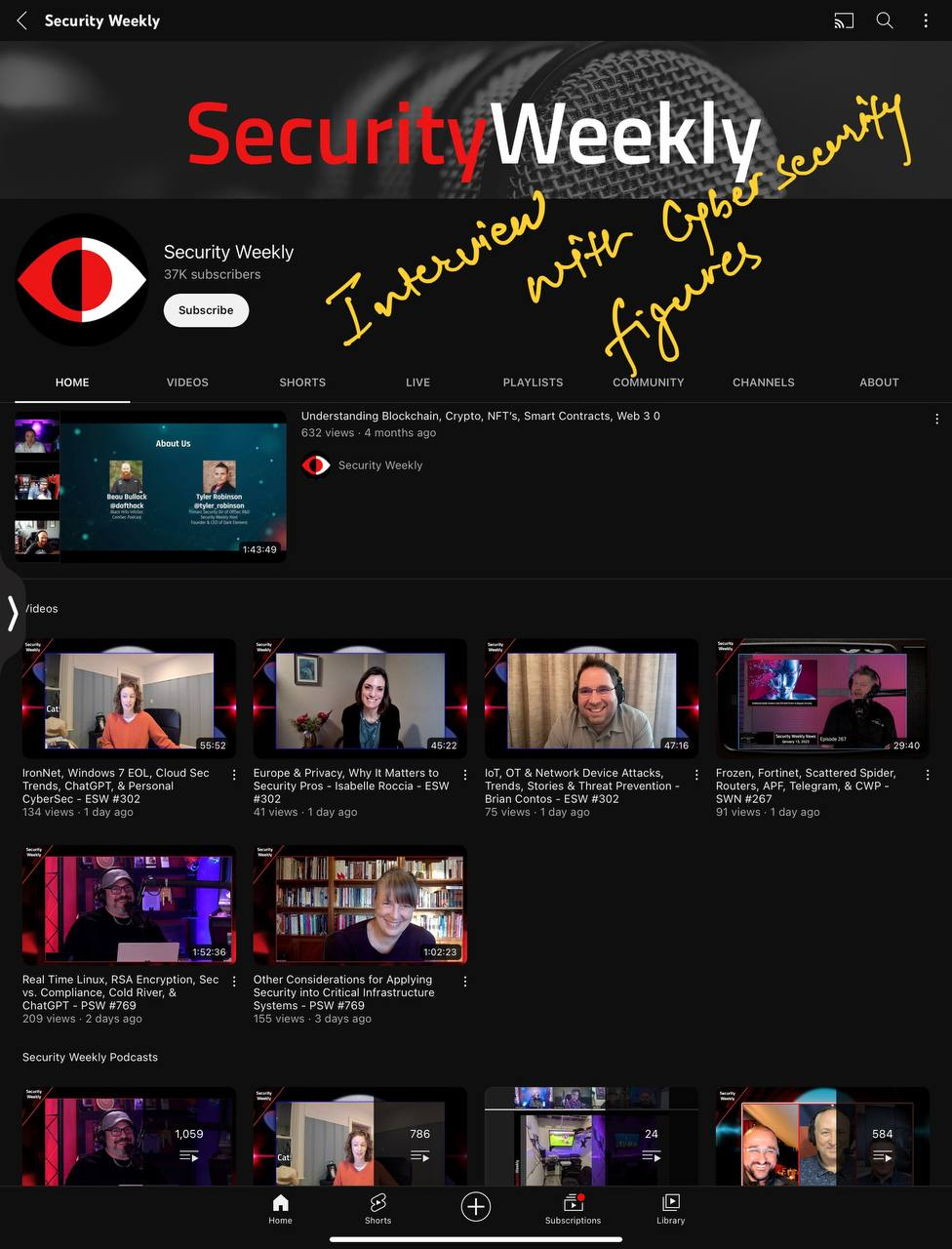
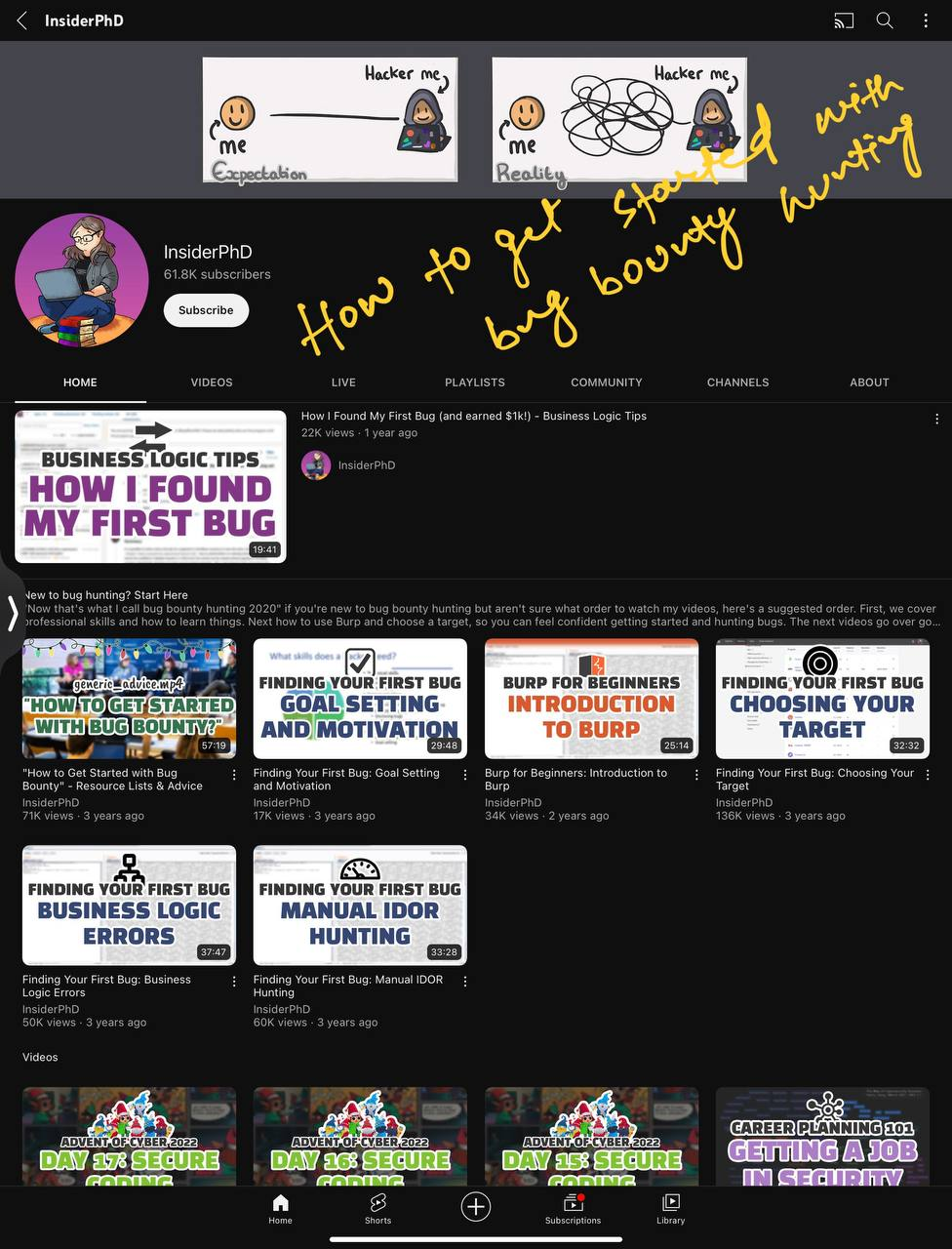
#16. InsiderPhD
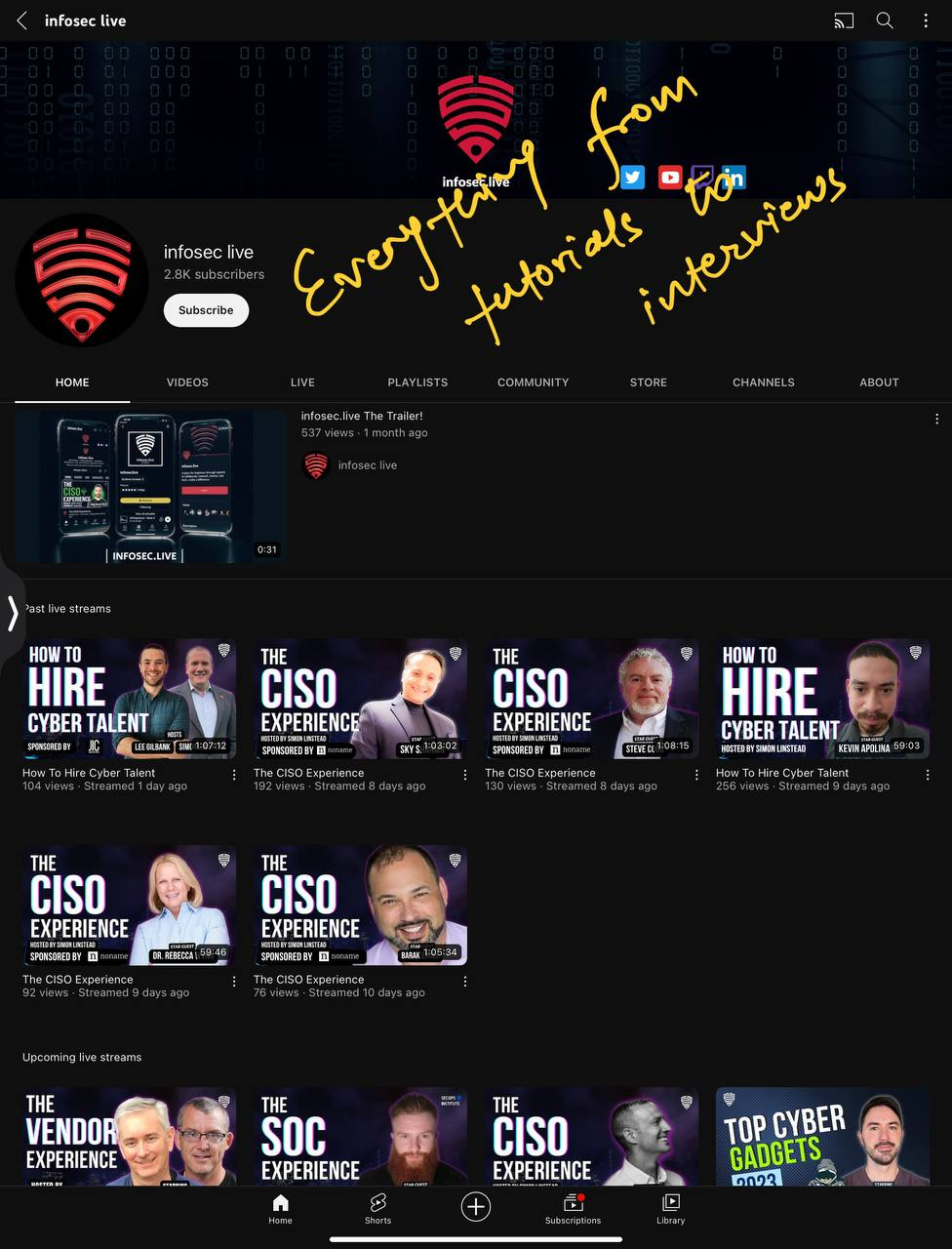
#17. Infosec Live
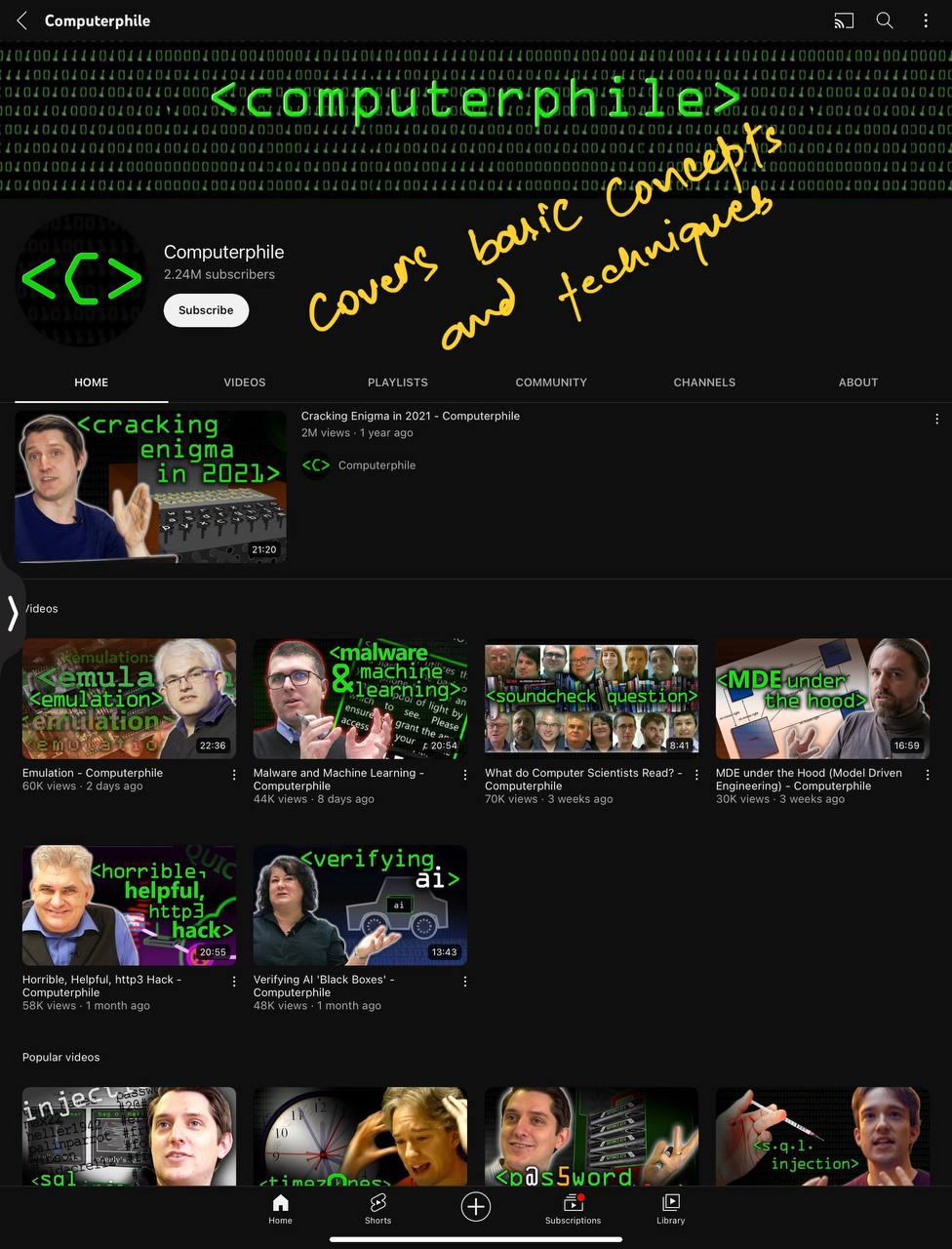
#18. Computerphile
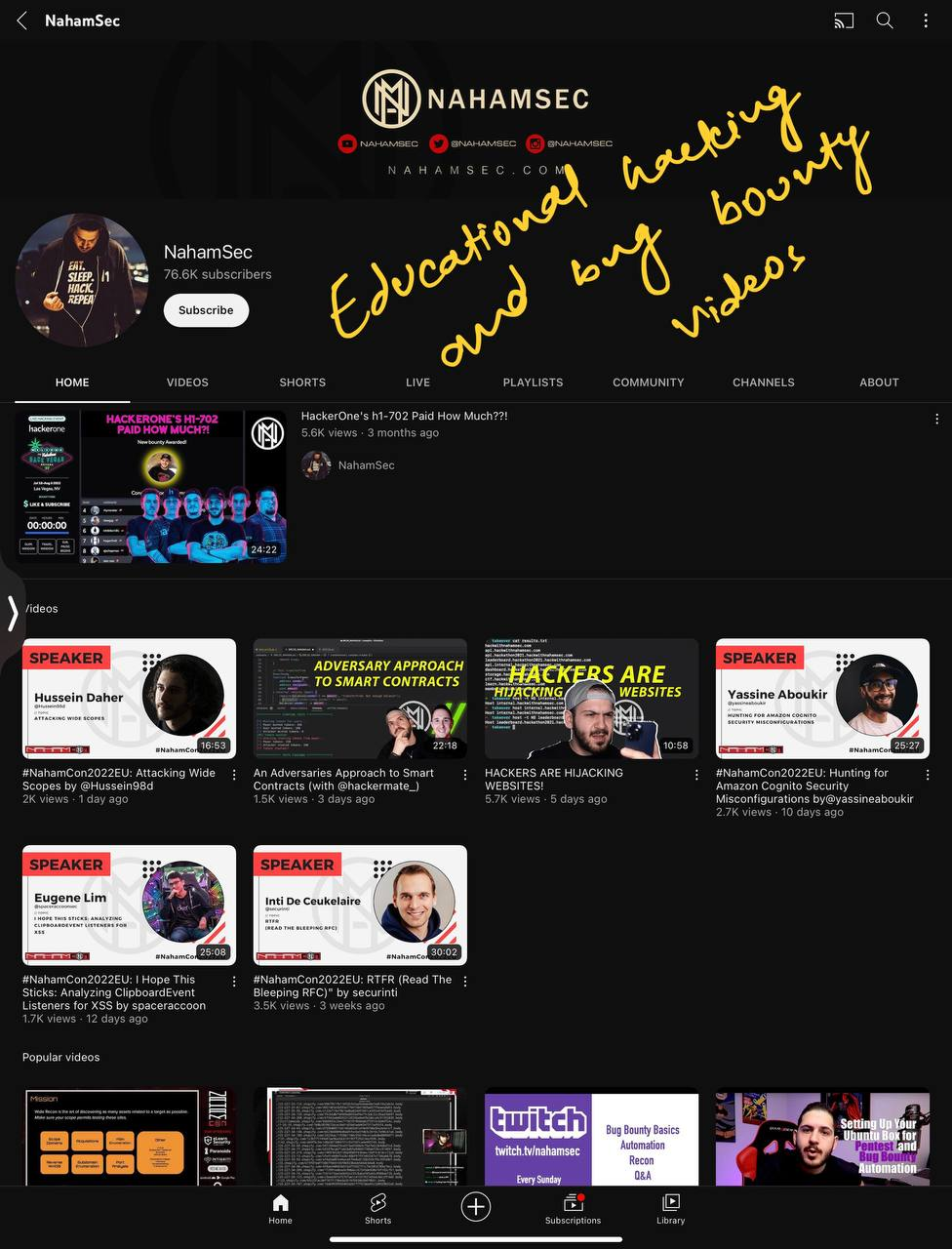
#19. NahamSec
#20. OWASP
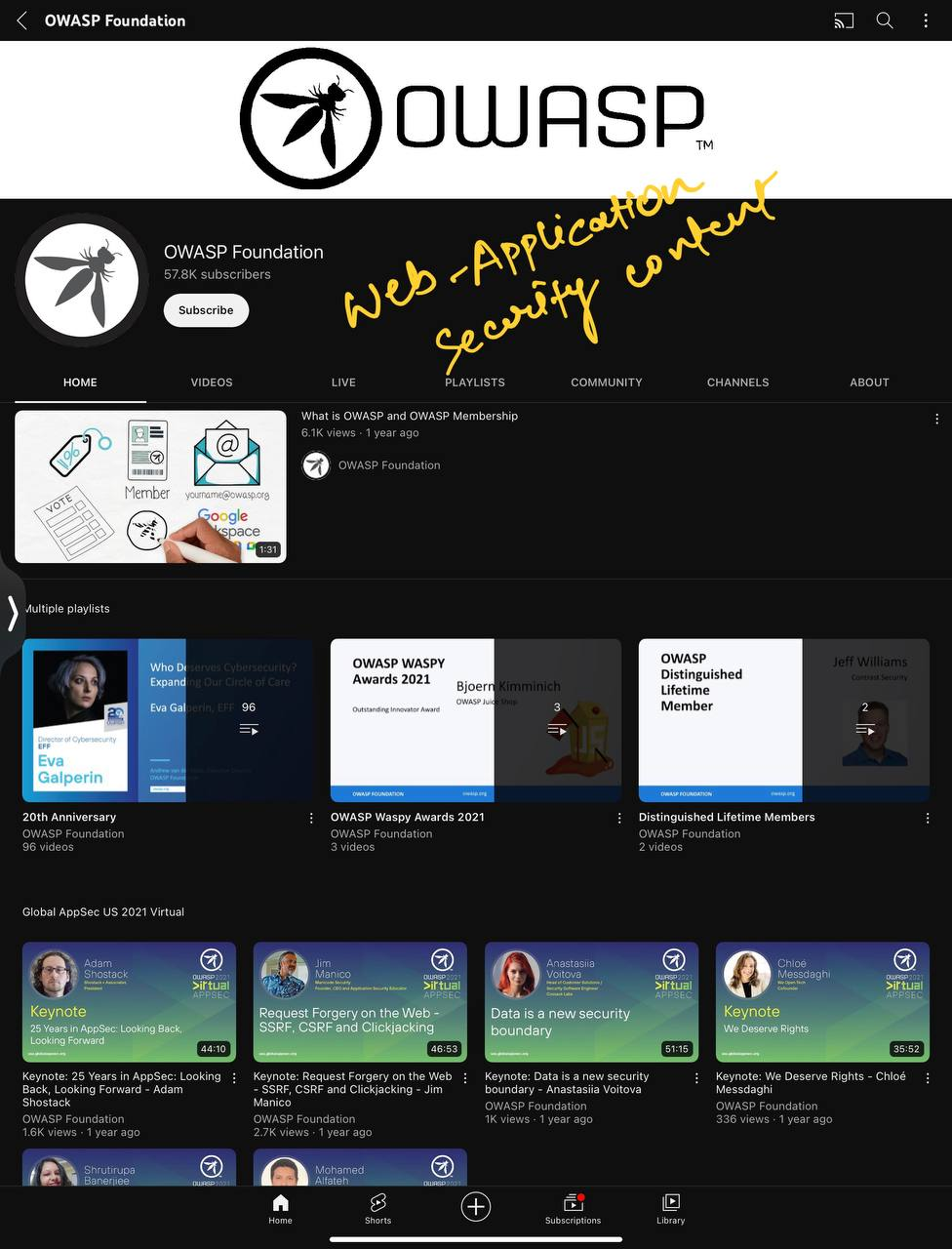
#21. Cyberspatial
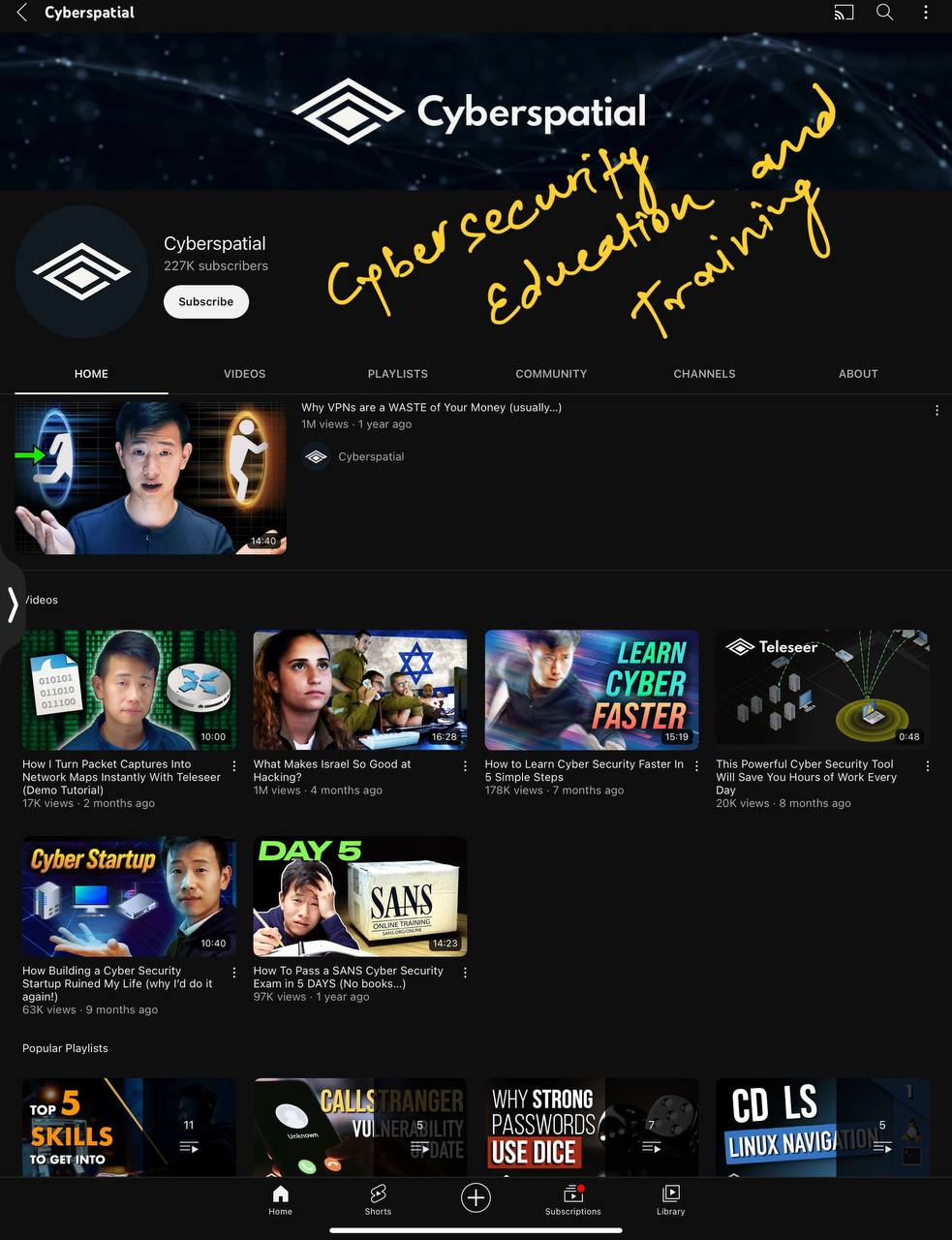
#22. Professor Messer

#23. Network Chuck
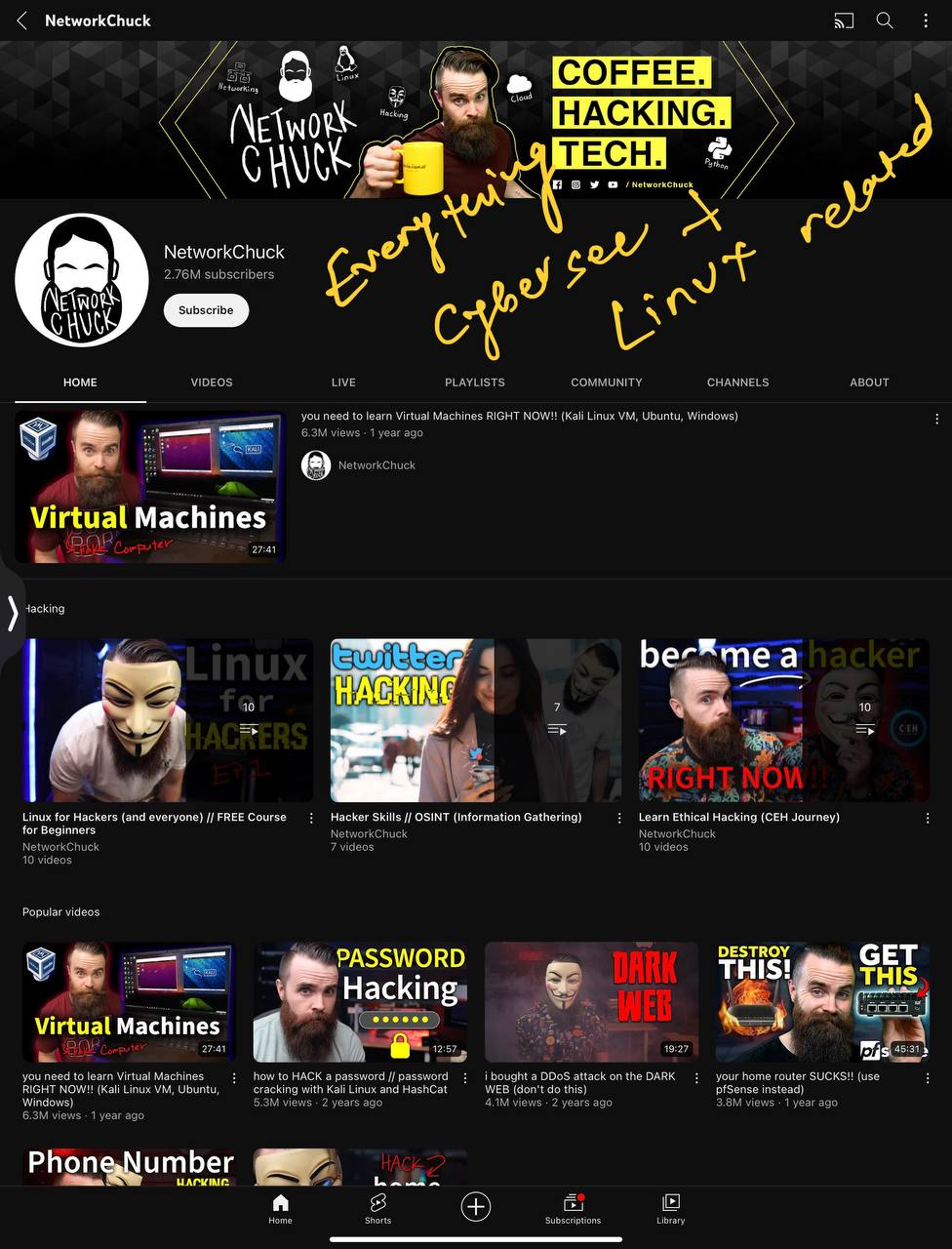
#24. BugCrowd
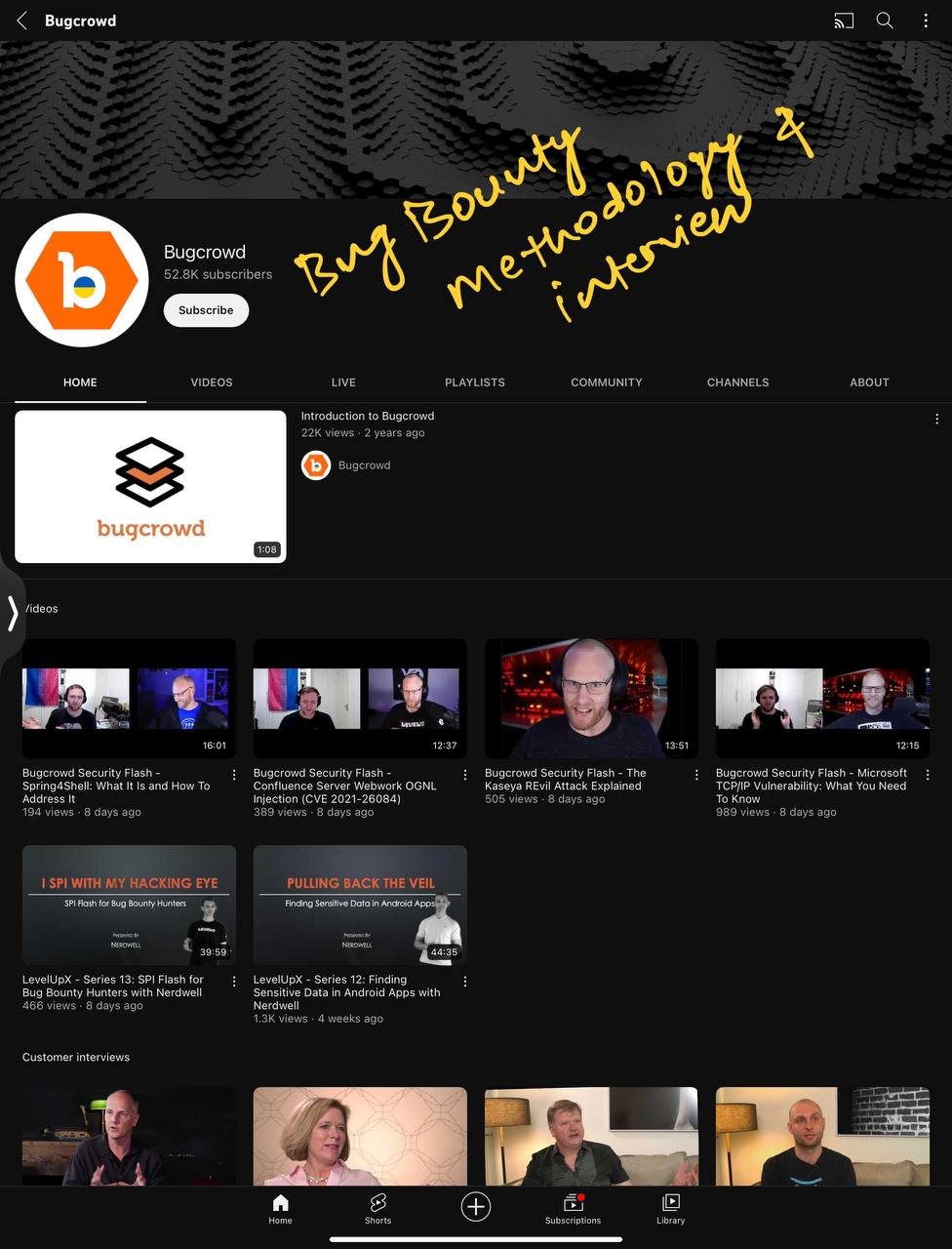
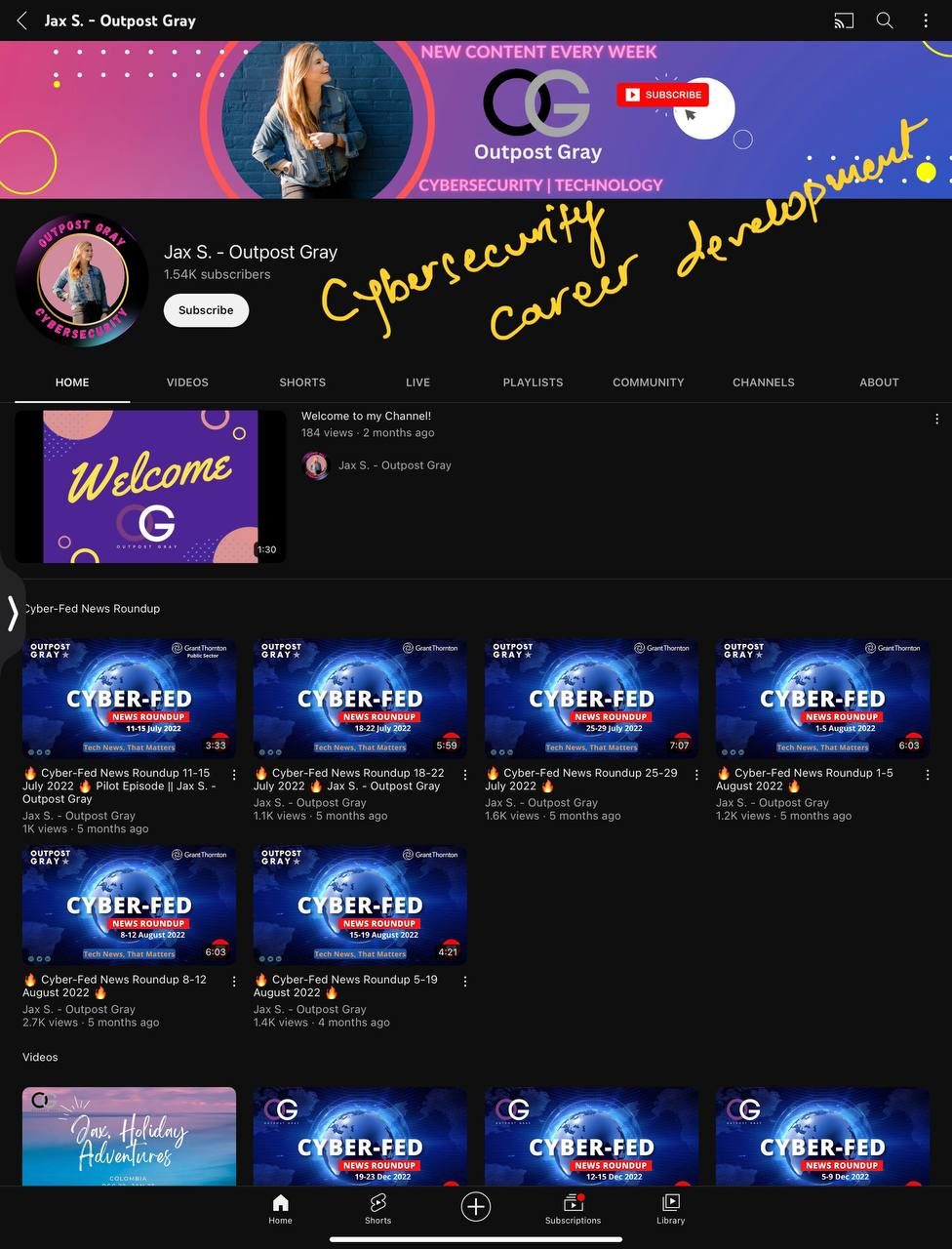
#25. Jax S -Outpost Gray
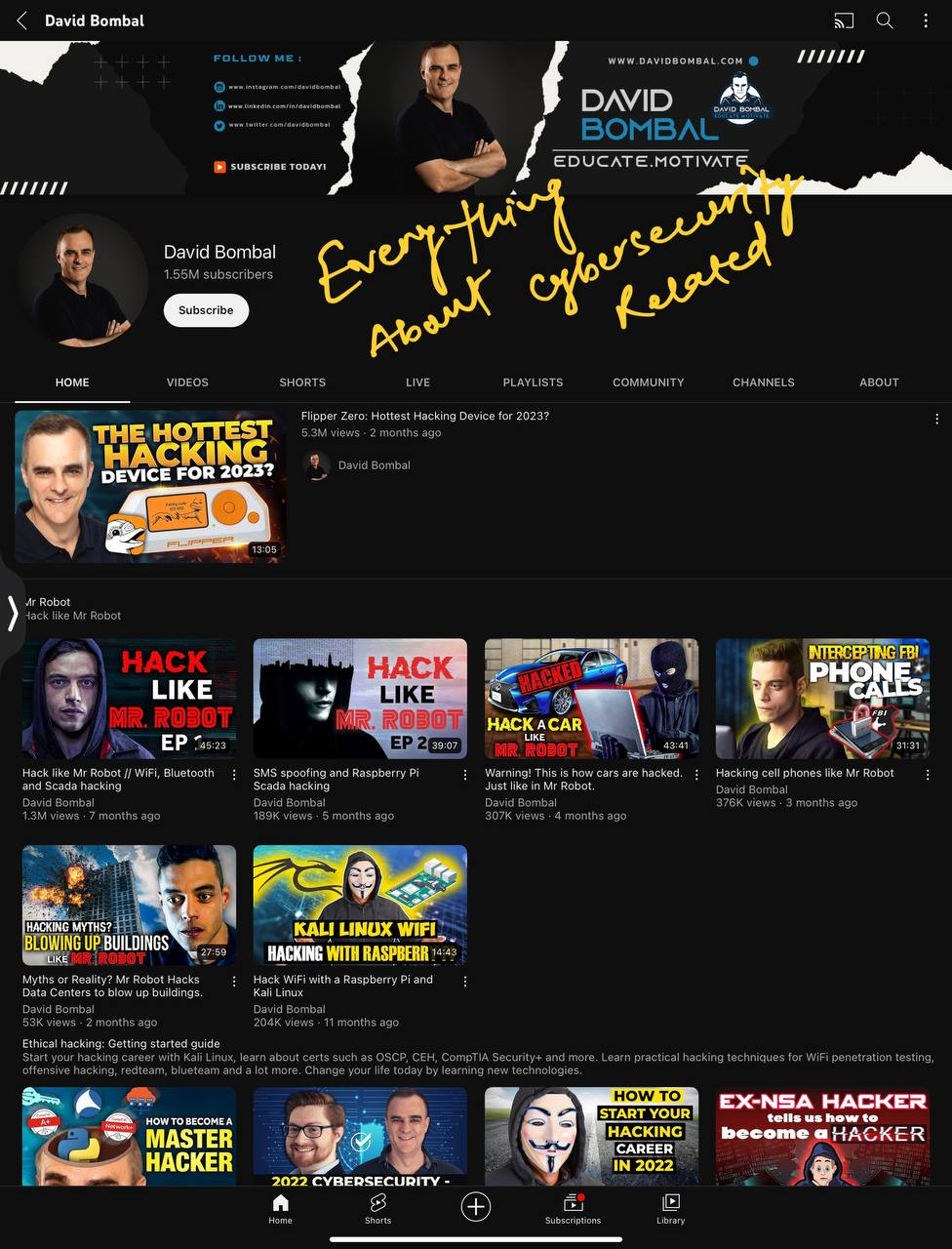
#26. David Bombal
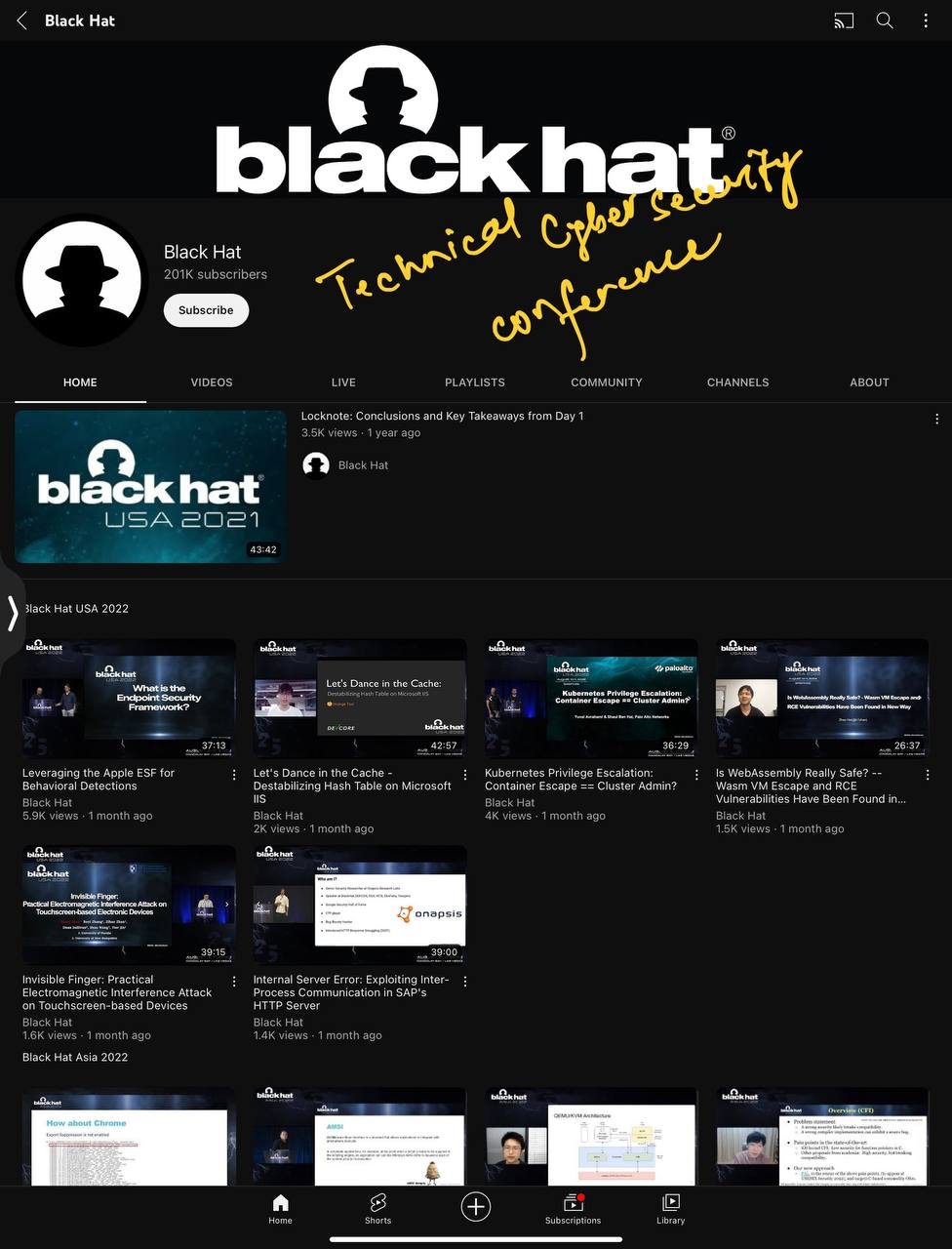
#27. Black Hat
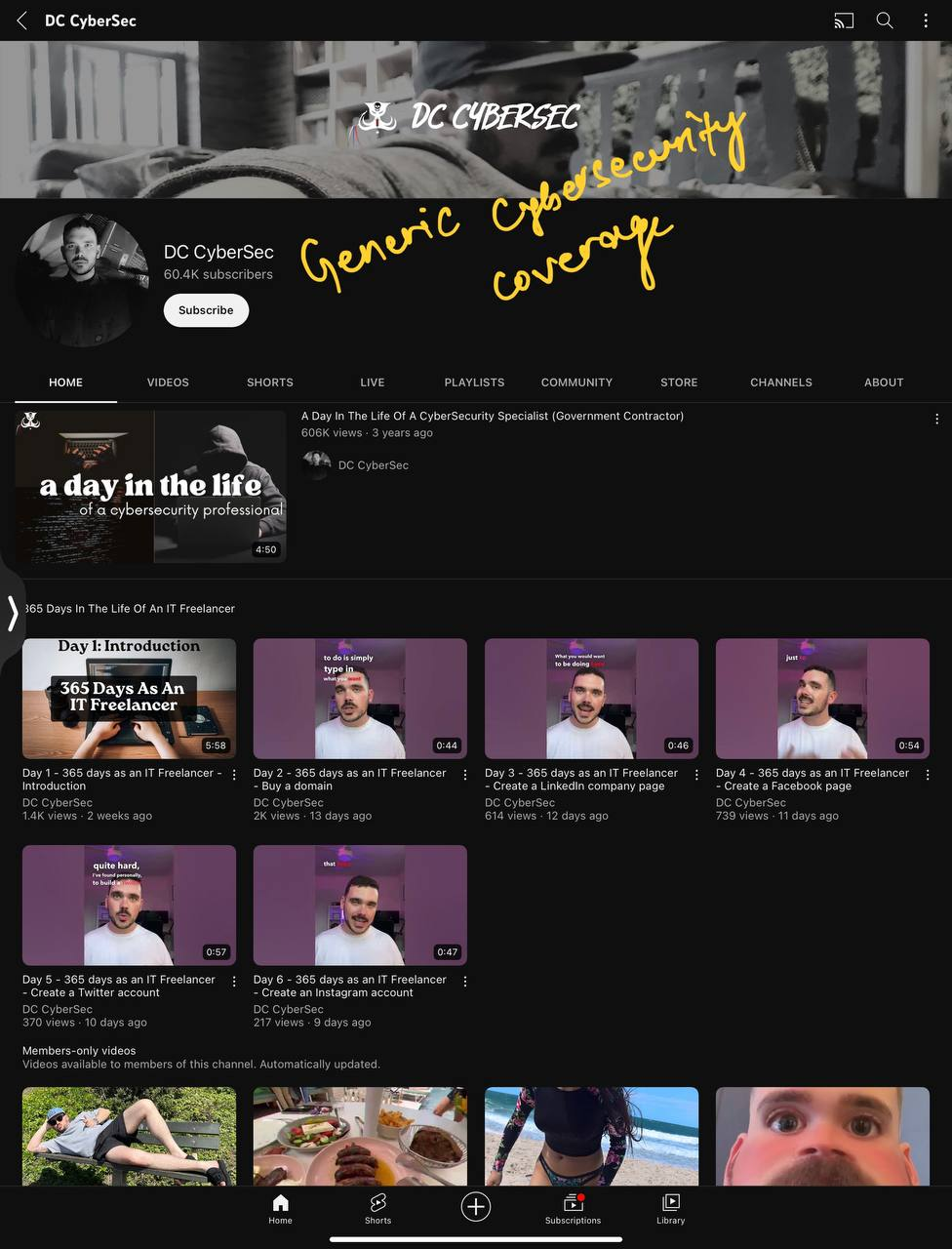
#28. DC CyberSec
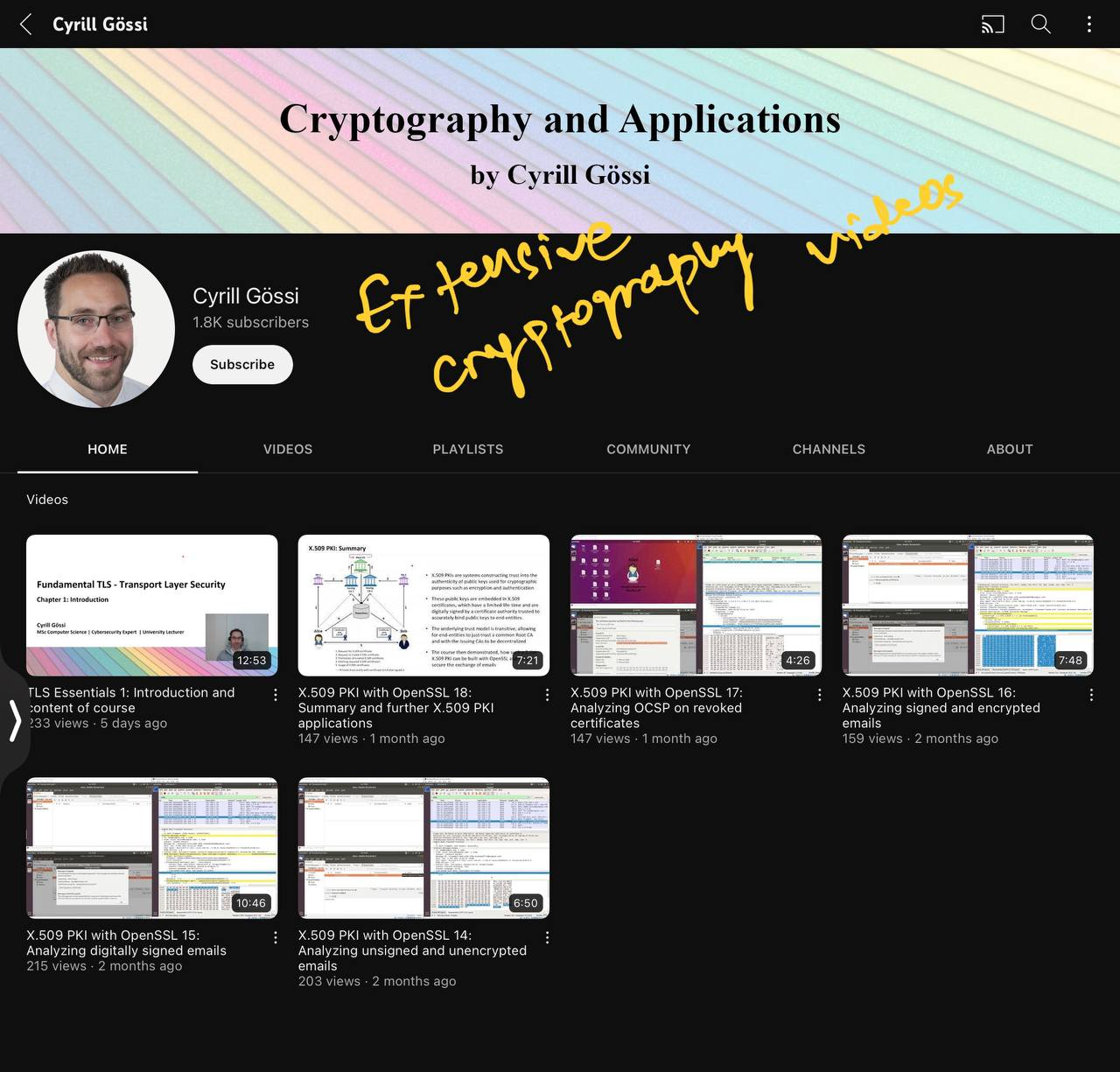
#29. Cryill Gossi
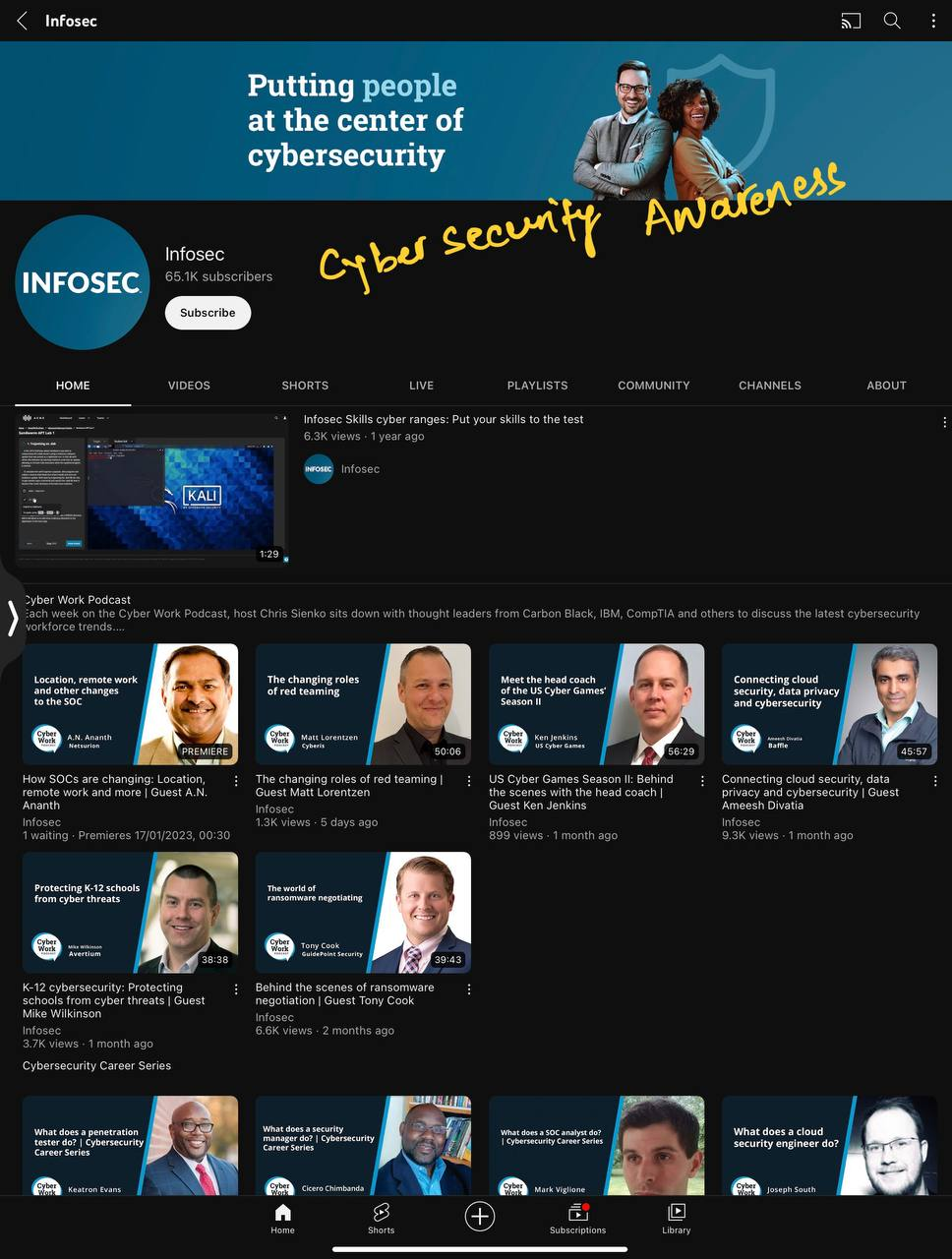
#30. Infosec
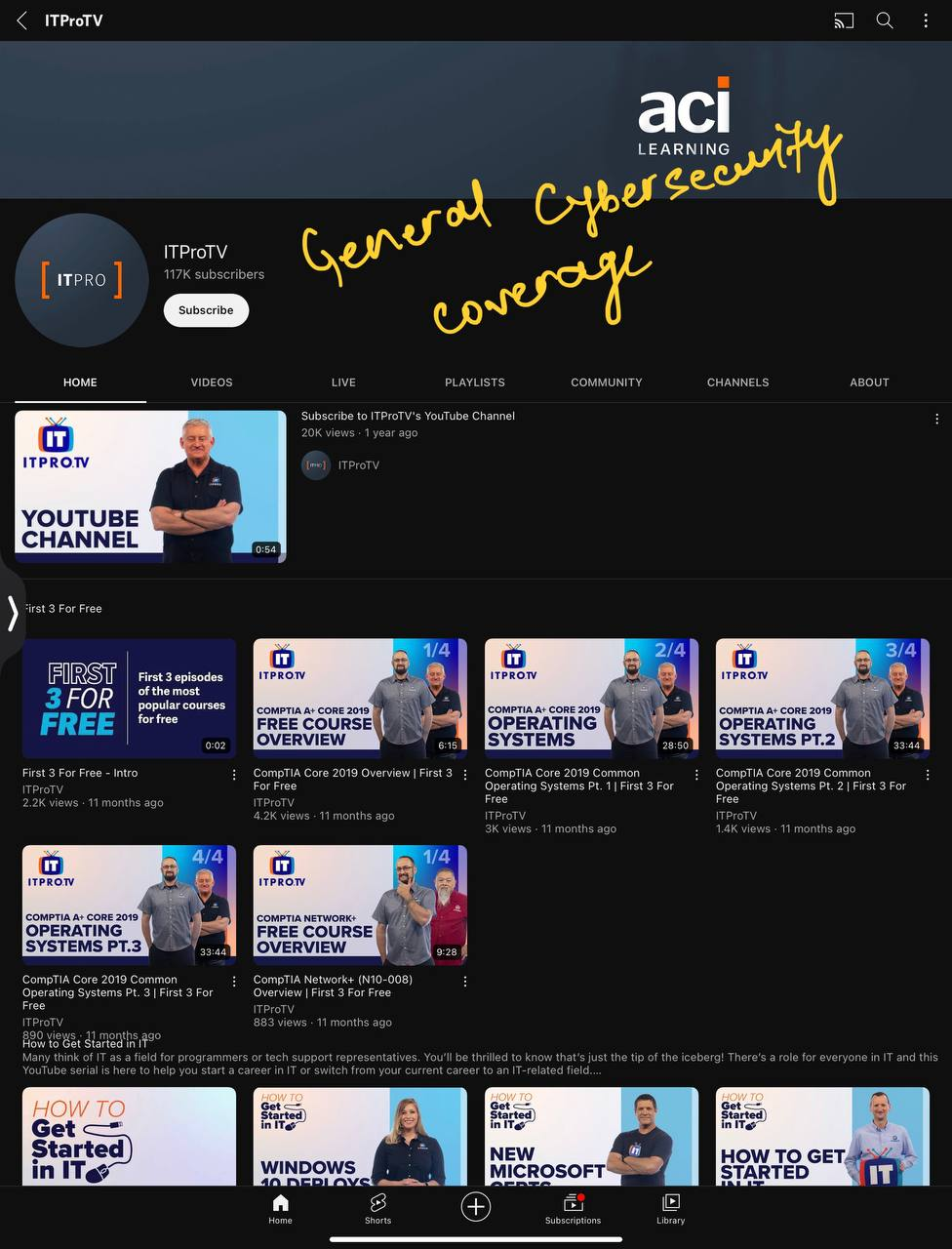
#31. ITProTV
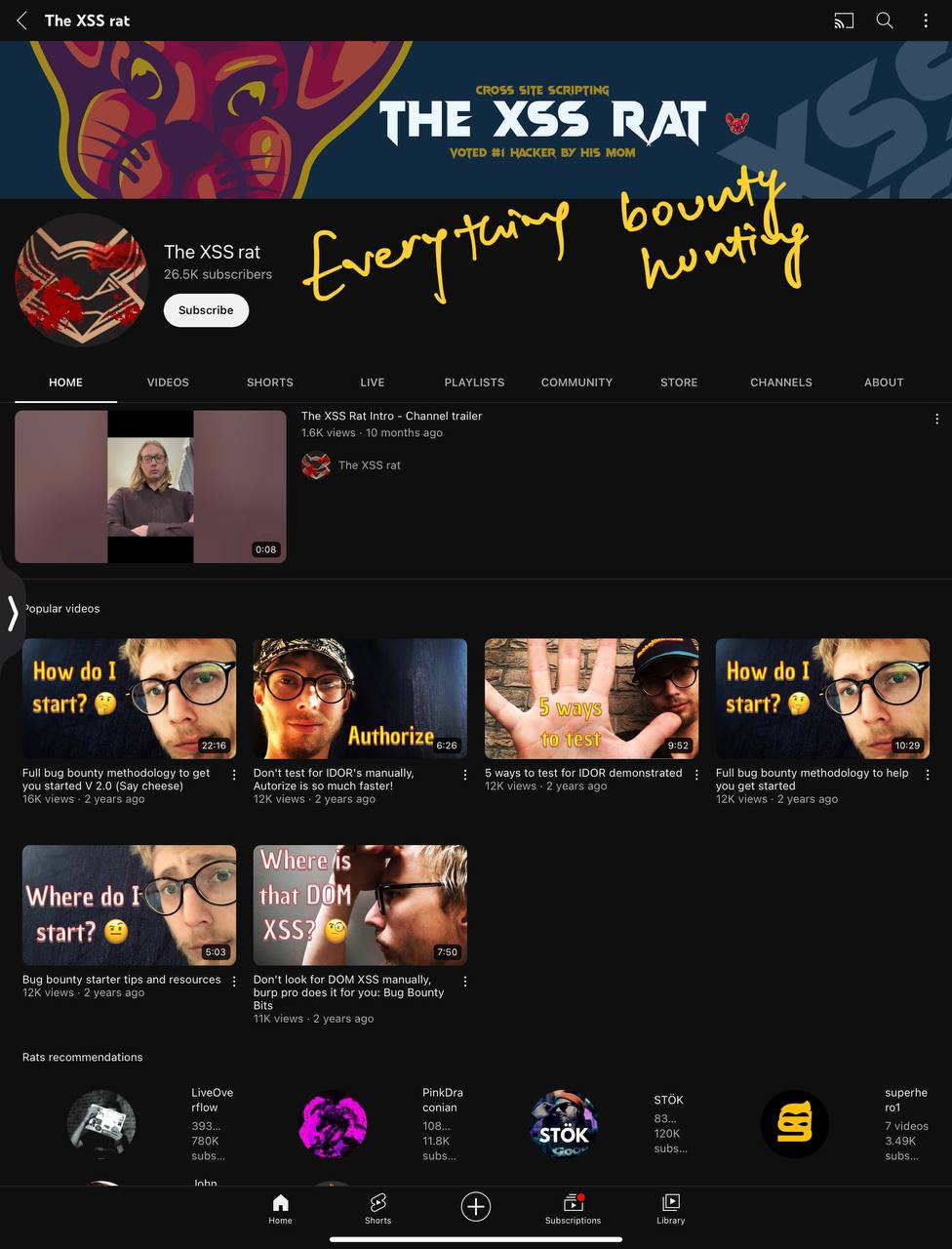
#32. The XSS rat
#33. Hak5
Special Thanks
This Docs conatians resources from Microsoft , Open Source Docs,Wiki, Azure Developer Community Mentors, other resources. Feel free to customise it as per your choice